UFT MTK New Security Tool
If you are looking for a powerful tool for MediaTek (MTK) devices, the UFT MTK New Security Tool is your best choice, as it has been designed specifically for MTK devices. Mobile technicians frequently rely on tools like this to resolve software-related issues on MTK devices. You can download and use the UFT MTK New Security Tool completely free of charge.
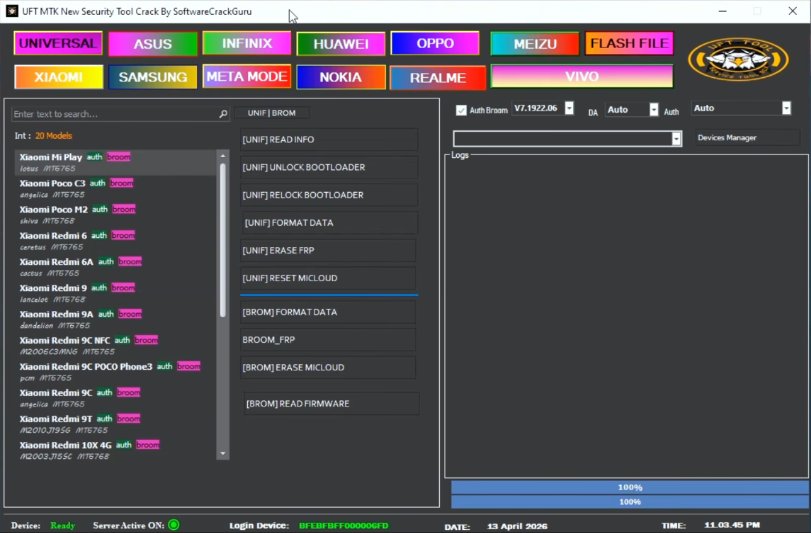
UFT MTK New Security Tool
Version: v2026
Size: 184MB
Password: RSL Mobile Solution
Compatible: Windows
About the UFT MTK New Security Tool
UFT MTK New Security is a software application that can be installed on a PC or laptop. The primary objective of this tool is to resolve a wide range of software issues on Android mobile devices—such as FRP (Factory Reset Protection) removal, pattern and password resets, and device flashing. We all know that the number of Android users is vast, and a significant majority of the problems encountered are software-related. If your personal mobile device is experiencing any software glitches, you can use this tool to fix them.
It also supports the latest MediaTek models. The UFT MTK New Security Tool is a robust piece of software known for its exceptionally fast processing speeds. You can utilize it for your personal mobile device or for professional business purposes. Both premium and free versions of this tool are available.
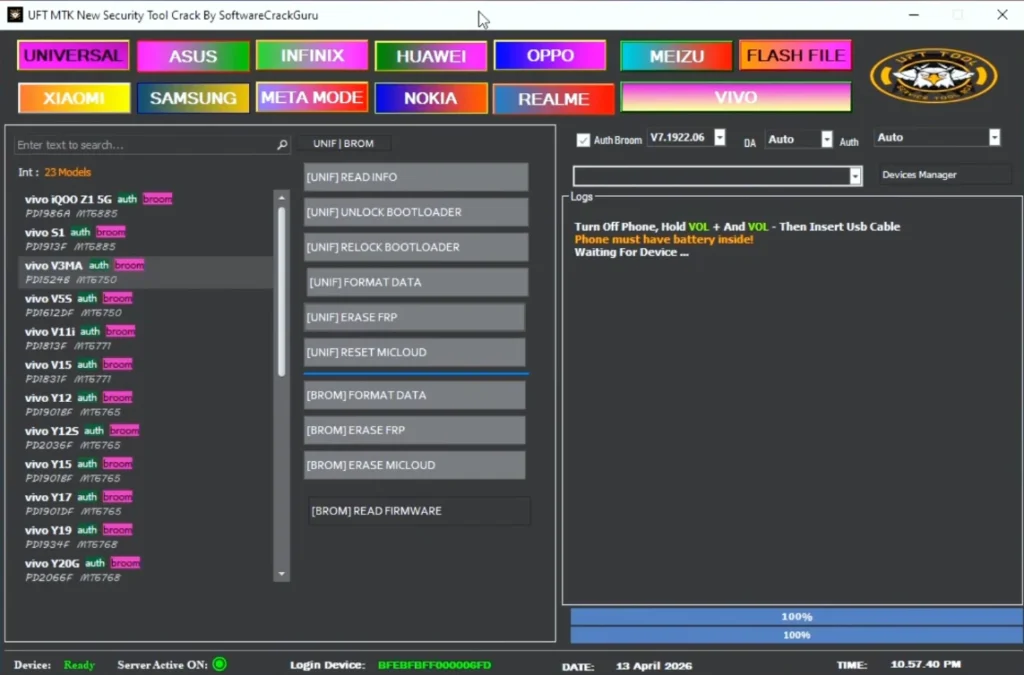
System Requirements
Let’s take a look at the minimum requirements needed to install and use the UFT MTK New Security Tool:
- Windows 7 / 10 / 11 (64-bit recommended)
- Minimum 4GB RAM
- MediaTek USB Drivers installed
- .NET Framework installed
TFT MTK Module Tool
TFT Unlock Tool
Key Features
Let’s explore the standout features of the UFT MTK New Security Tool that set it apart from the rest.
- FRP Bypass: Easily bypasses or removes Factory Reset Protection.
- Pattern / PIN / Password Unlock: We sometimes forget our passwords or patterns; this tool resolves such issues in a matter of minutes.
- One-Click Format / Factory Reset: Performing a factory reset or formatting the device is possible with just a single click.
- Flashing: Allows for software updates.
- Bootloader Unlock: Unlocking the bootloader becomes an extremely simple process.


Post Comment