UST Tool v7.0.8 (Latest Tool)
If you are a mobile technician who performs mobile software repairs, UST Tool v7.0.0 – v7.0.8 could be a valuable tool for you. It can also be used for personal devices. It is designed to resolve software-related issues on Android devices.
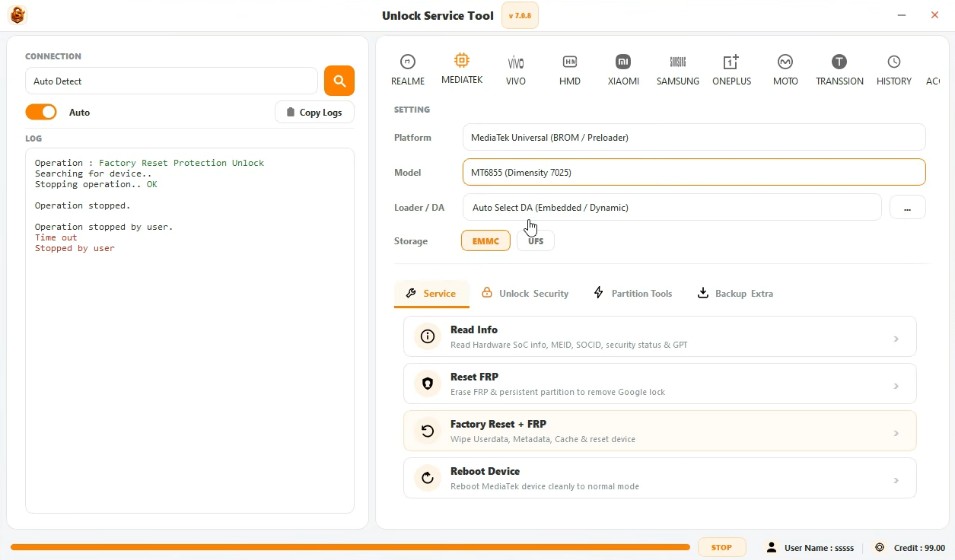
UST Tool
Size: 57 MB
Version: v7.0.8
Compatible: Windows 7,8,10,11
Password: gsmyogesh
About UST Tool v7.0.0
UST stands for “Unlock Service Tools.” It is a lightweight software application that can be installed on Windows laptops and computers. The primary objective of developing this tool is to resolve software-related problems on Android devices. UST Tool v7.0.0 possesses certain key features that distinguish it from other similar tools.
Here, we will explore this tool in detail. It supports Android devices with various processors and is not limited to devices with a specific chipset; in a sense, it can be considered an all-rounder. It can fix various software issues such as the device hanging or forgotten pattern/passcode locks within minutes.
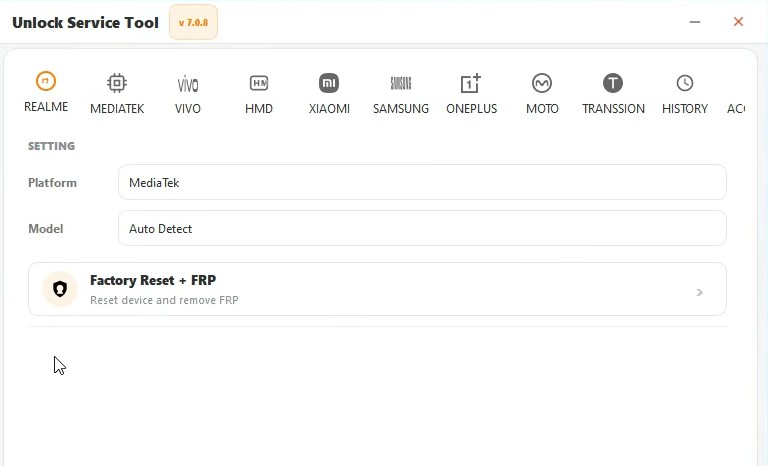
Common Uses of UST Tool
UST Tool v7.0.0 is a powerful tool used to resolve a wide range of issues. Listed below are some of the primary tasks for which it is commonly used:
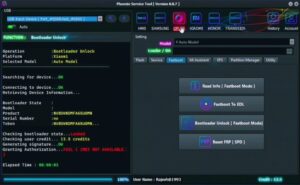
- Checking device information
- Detecting the device via USB connection
- Performing software servicing
- Executing maintenance operations on supported devices
- Assisting with firmware-related servicing
- Diagnosing mobile software issues
- Removing passwords from the mobile device
- Bypassing FRP (Factory Reset Protection)
How to use UST Tool v7.0.0?
It is used just like any standard software application:
- Prepare the necessary drivers and UST Tool on your Windows PC.
- Launch the tool with administrator permissions, if required.
- Set the mobile device to the correct USB mode or supported boot mode. Connect the mobile to the PC using a USB cable.
- Check the device detection status in the tool.
- Select the available operation suitable for your device.
- Double-check the model and firmware details before starting any process.
- Do not disconnect the USB cable until the process is complete.
Top 10 Supported Brands
- Samsung
- Xiaomi
- Motorola
- Realme
- Vivo
- OnePlus
- HMD / Nokia
- Tecno
- Infinix
- itel
Post Comment