Phoenix Service Tool v10.0.0.6
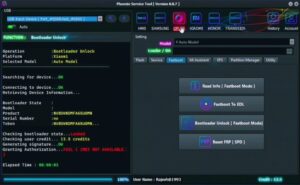
The Phoenix Service Tool resolves all software-related issues, including FRP locks, pattern locks, flashing errors, and general software glitches. With the release of the latest version, Phoenix Service Tool v10.0.0.6 this utility has been made even more powerful. It now supports even the most recently launched mobile models. Essentially, it serves as an “all-in-one” tool capable of supporting any Android processor. This tool is indispensable for mobile repair centers and technicians.
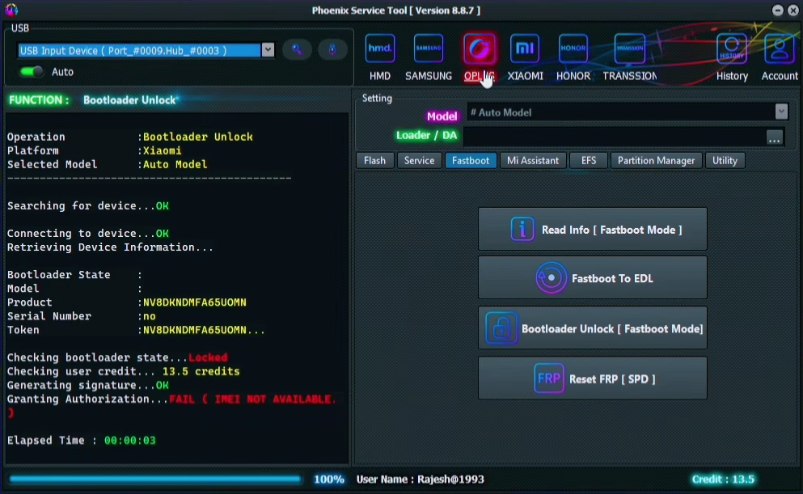
Phoenix Service Tool
Version: v10.0.0.6
Size: 578 MB
Compatible: Windows
About Phoenix Service Tool
Phoenix Service Tool V10.0.0.6 is an Android mobile repair utility designed to be installed on Windows laptops and desktop computers. While lightweight in design, this tool is remarkably powerful in its capabilities. With the aid of this tool, the following common issues encountered on Android devices can be resolved:
- FRP Bypass
- Firmware Flashing
- Device Unlocking
- IMEI Repair (in select cases)
- Pattern/Password Removal
- Factory Reset
These represent some of the most frequently encountered issues on Android devices, all of which can be effectively resolved using this single tool.
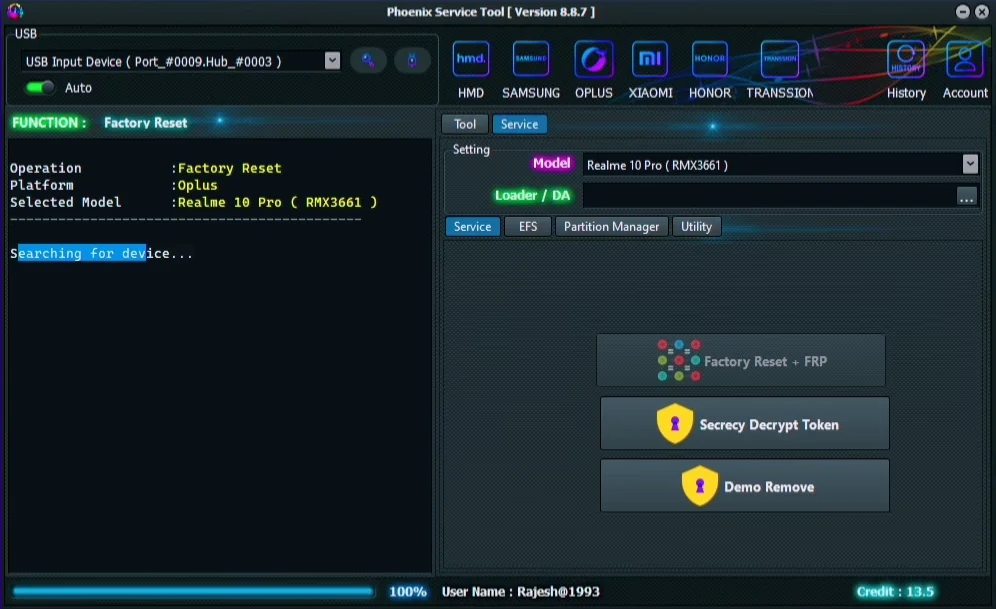
Latest Updates in Phoenix Service Tool v10.0.0.6
Detailed information regarding the features and improvements introduced in the latest v10.0.0.6 update is provided below:
- Enhanced FRP Bypass Speed
- Support for New Security Patches
- Expanded Device Compatibility
- Improved UI Performance
- Bug Fixes & Stability Enhancements
- Features a Simple and Intuitive Interface
These are the key features that have been significantly improved in this new update.
Minimum Requirements
What are the minimum requirements for installing and using the Phoenix Service Tool v10.0.0.6 setup?
- Windows 7 / 8 / 10 / 11
- 2GB RAM (Minimum)
- 500MB Free Storage
- USB Drivers Installed
- .NET Framework Installed
This software can be utilized with very minimal system requirements.
Phoenix Service Tool Supported Mobile Brands
This tool supports the mobile brands listed below. While the actual number of supported brands may be even higher, we have listed some of the most popular brands here.
- Samsung
- Xiaomi
- Redmi
- Poco
- Realme
- Vivo
- Oppo
- OnePlus
- Huawei
- Honor
- Nokia (HMD Global)
- Transsion Group (Parent Brand)
- Tecno Infinix itel
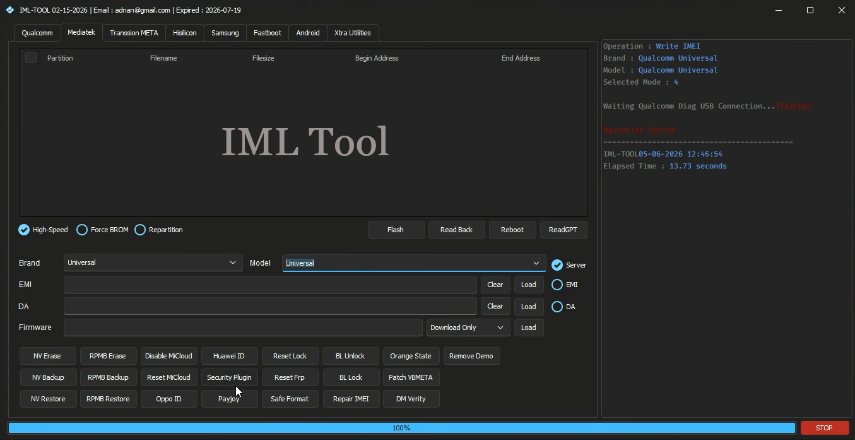
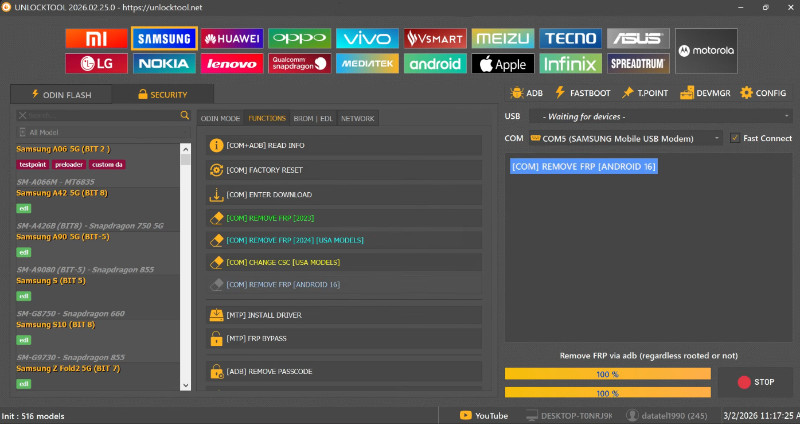
Phoenix Service Tool Alternatives
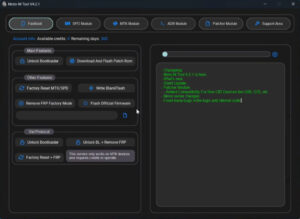
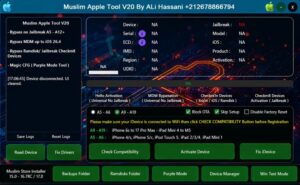
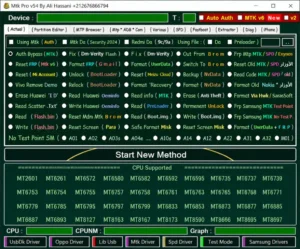
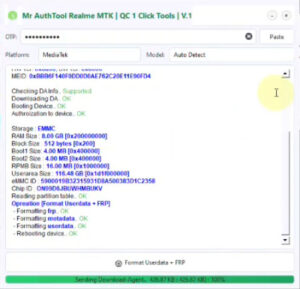
What are the best alternatives to this mobile repair tool? Let’s take a look:
Final Verdict
Based on my experience, the Phoenix Service Tool is an excellent utility. Both premium and free versions of the software are available. If you are looking for software capable of resolving software-related issues on your mobile device, this makes for an ideal choice, as it is a highly lightweight yet powerful tool. Furthermore, its processing speed is impressive, ensuring that you receive quick results without any delays.


Post Comment