IML Tool Pro (Flash, FRP, Unlock)
If you are looking for Android repair tools, IML Tool Pro is an excellent software choice. It runs smoothly even on systems with modest specifications and offers a free trial period. Downloading and installing IML Tool Pro is a straightforward process, which we have outlined here.
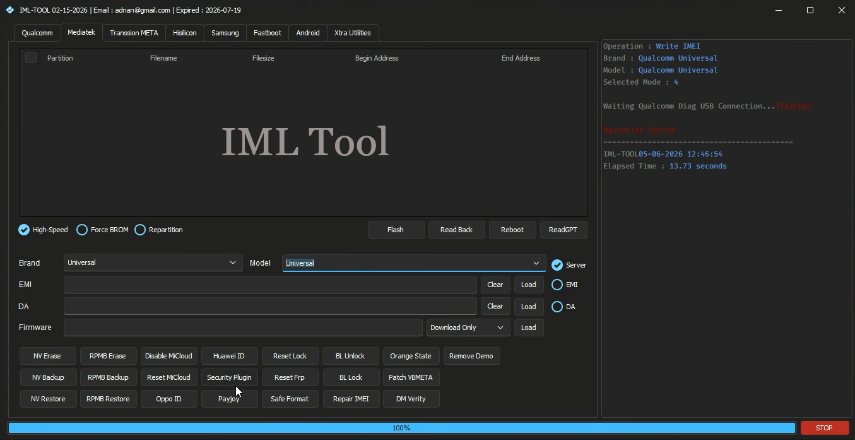
IML Tool Pro
Size: 117 MB
Version: v4.2.1
Compatible: Windows 7,8,10,11
Password: advancedsetting.com
About IML Tool Pro
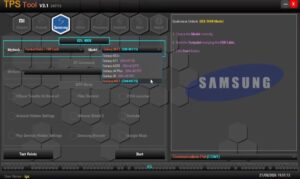
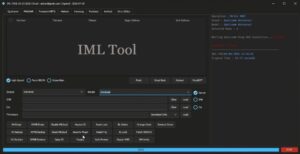
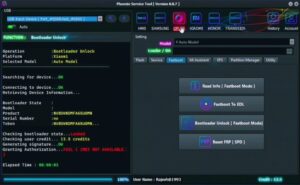
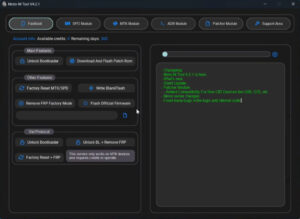
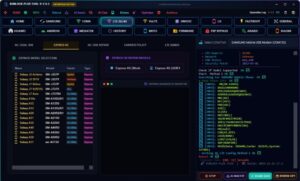
IML Tool Pro can be installed on Windows and helps resolve a wide range of Android-related issues. It has gained popularity due to its small file size and fast processing capabilities, offering significant benefits to both general users and mobile repair technicians. This tool can handle tasks such as:
- Flashing firmware
- Retrieving device information
- FRP-related operations (on supported devices)
- Factory resetting
- Managing devices in various boot modes
- Generating logs
- Driver support
System Requirements
Details regarding the minimum system requirements for downloading the IML Tool Pro installer are provided here.
| Operating System | Windows 10 /11 |
| Processor | Intel / AMD Dual Core |
| RAM | minimum 4GB |
| Storage | 500MB |
| Internet | Only Update |
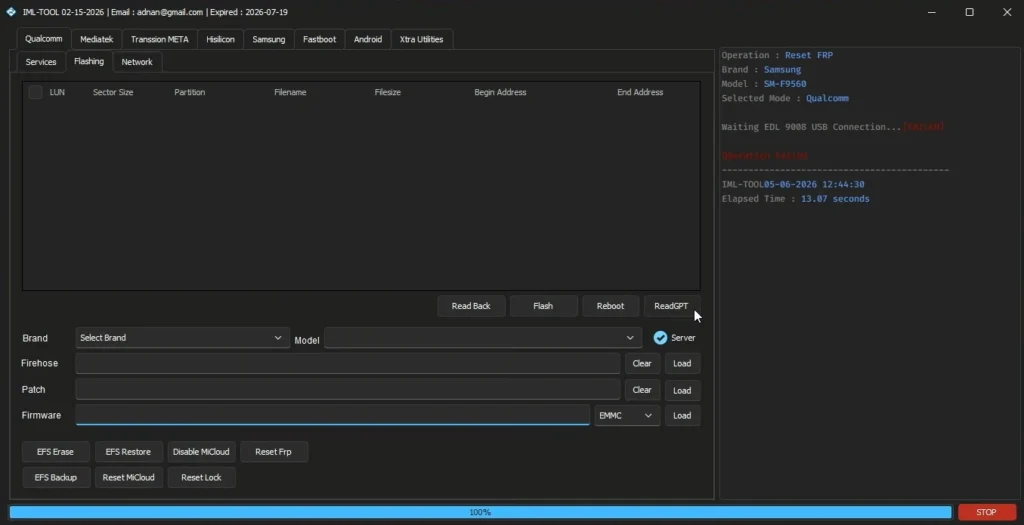
How to Install IML Tool Pro
First, you need to download the IML Tool setup file. Once downloaded, you can successfully install it by following these simple steps:
- First, download the setup file.
- Next, extract the setup file from the ZIP archive.
- Double-click the file to start the installation process.
- You will be prompted to grant certain permissions; proceed with these to complete the installation successfully.
Important Points to Note Before Use
It is crucial to keep the following points in mind before repairing the mobile:
- Copy or back up any important data.
- Ensure the mobile has at least 50% battery charge.
- Install the necessary USB drivers on your system.
- Use a high-quality, original USB cable.
- Match the firmware version with the mobile device’s software version before flashing.
Similar Tools: Phoenix Service Tool
Supported Android Brands
The IML Tool Pro software offers excellent support for the following mobile brands. We have listed some of these brands below:
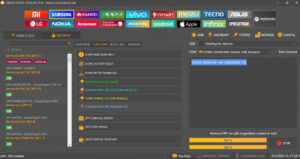
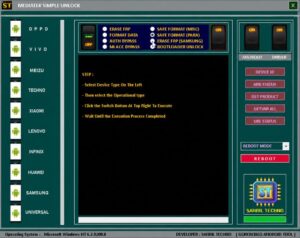
Samsung, Xiaomi (Mi), Redmi, POCO, Realme, OPPO, Vivo, OnePlus, Motorola, Nokia, Huawei, Honor, Tecno, Infinix, itel, Lava, Micromax, Lenovo, ASUS, Sony Xperia, Google Pixel, ZTE, Meizu, Coolpad, Sharp, Blackview, Ulefone, Doogee.
Post Comment