Moto M Tool v4.2.1
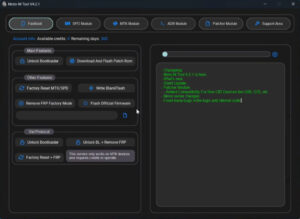
Specialized tools have arrived to fix software issues on Motorola mobile phones. Moto M Tool v4.2.1 is the latest and highly powerful version of this software. The Moto M Tool is designed specifically for Motorola smartphones, making tasks like flashing, FRP bypass, pattern/password resets, and resolving other software problems much easier.
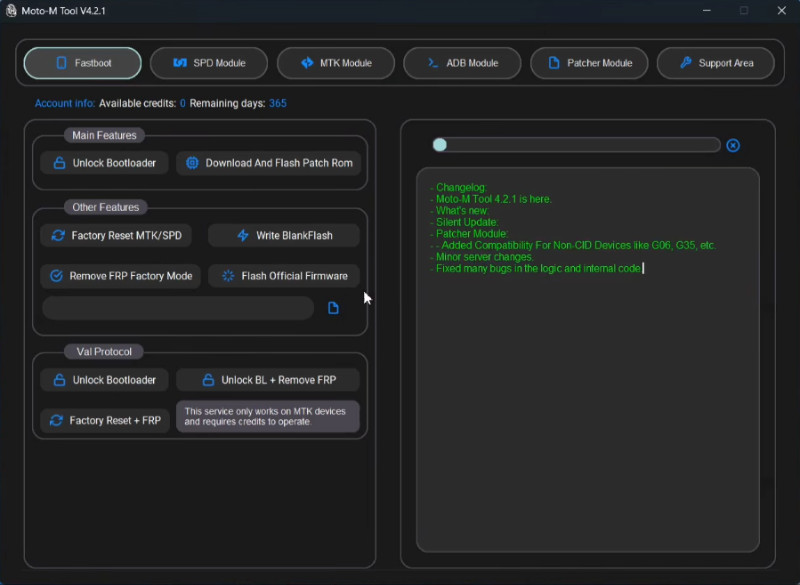
Moto M Tool
Size: 118 MB
Version: v4.2.1
Compatible: Windows 7,8,10,11
Supported Brand: Motorola
Password: tfttool
What is Moto M Tool v4.2.1?
Moto M Tool is Windows-based software that can be installed on a laptop or PC. Previously, fixing software issues on Motorola phones was quite difficult and usually required a visit to a service center, where costs were high. Now, however, you can handle these tasks at home using the Moto M Tool setup. This tool is widely used by mobile technicians.
Motorola is a popular brand with users all over the world. The Moto M Tool was designed specifically for these devices to resolve software-related issues. While it is not free, it is very affordable, and purchasing it is a hassle-free process.
Minimum Requirements
Details regarding the minimum computer specifications required to install and use the Moto M Tool setup are provided below:
| Component | Requirement |
|---|---|
| Operating System | Windows 10 / 11 |
| Processor | Intel Core i3 |
| RAM | 4GB |
| USB Driver | Motorola USB Driver |
| Storage | 200MB |
| Internet | Only Update |
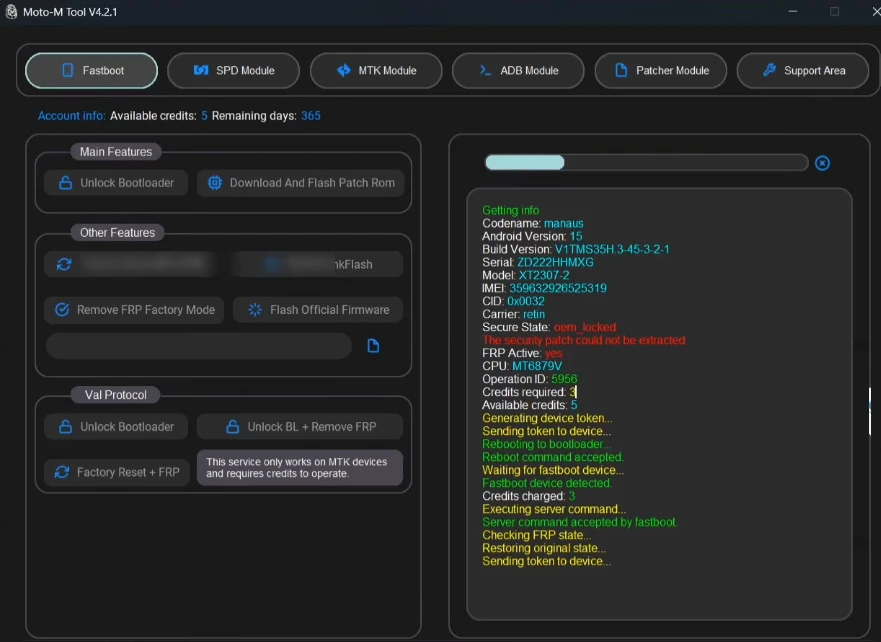
How to Install Moto M Tool Setup
Here is a step-by-step guide on how to install the Moto M Tool on your system:
- First, download the setup software.
- Extract the files from the ZIP archive. Password: tfttool
- Double-click the setup file to begin the installation process.
- Grant the necessary permissions during installation and complete the process.
You can now launch the tool. Please ensure that the Motorola USB Driver is installed on your system; otherwise, your computer will not be able to connect to the Motorola device.
Latest Update: UnlockTool
Benefits of Moto M Tool v4.2.1
Let’s explore the features of this latest version of the Moto M Tool and the benefits it offers users:
- It is very easy to install.
- Features a user-friendly interface that even new users can easily understand.
- It supports all models of Motorola Android devices.
- It is designed specifically for Motorola devices, making it highly efficient and fast.
- Very low system requirements to run on your computer.
Conclusion
This tool is ideal for Motorola device owners. If you have a Motorola mobile device experiencing software issues, you should use the Moto M Tool, as it is fast and easy to use. It is also very affordable, making it accessible to everyone.
Post Comment