Davinci Resolve Video Editing Software
DaVinci Resolve is a professional video editing software. With the help of this video editor, high-quality editing can be performed. It features an all-in-one suite of capabilities, including editing, color grading, VFX, motion graphics, and audio editing. If you use this video editor, you will not need any other software. It is widely regarded as a favorite tool among VFX artists and video editors.
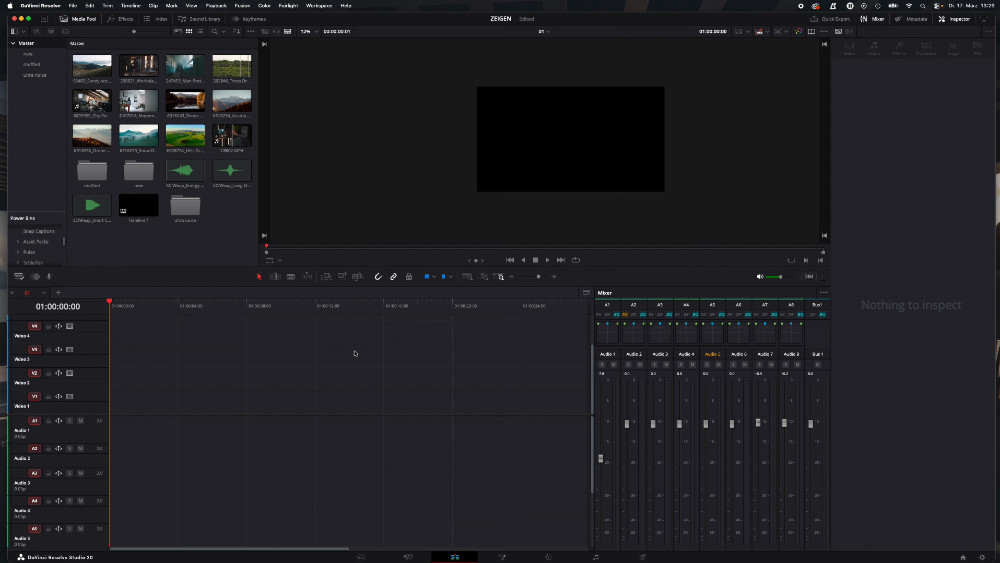
Davinci Resolve Video Editing
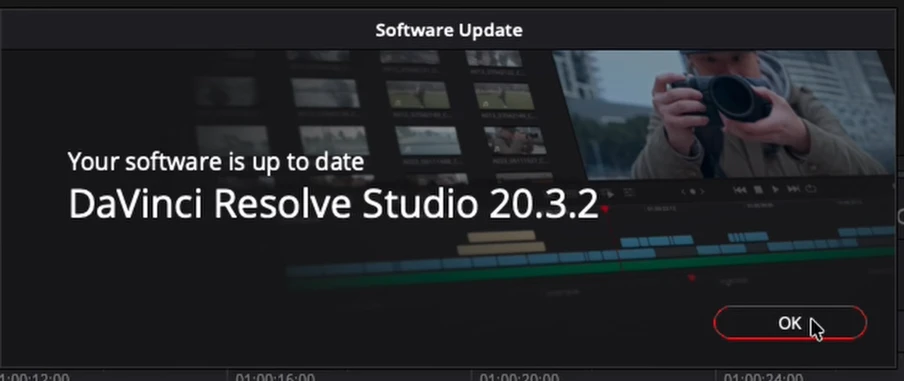
Version: v20.3.2.9
Size: 2.79 GB
Compatible: Windows
What is DaVinci Resolve?
Davinci Resolve Video Editing Software is an advanced application used for video editing. It was developed by Blackmagic Design. This software is designed for professionals, filmmakers, YouTubers, and content creators. We all know that for a video to go viral—or simply to be well-received by the audience—it is crucial that it stands out. When a video incorporates excellent graphics, high-quality sound, and effective VFX, its chances of going viral increase significantly.
Initially, this software was used primarily for color grading. However, following numerous updates, it now allows users to perform the following tasks:
- Video Editing
- Color Grading
- VFX
- Motion Graphics
- Audio Editing
DaVinci Resolve Video Editing Software has now evolved into an all-in-one solution. You can handle every aspect of video editing from a single platform.
DaVinci Resolve: Free vs. Paid Version
Davinci Resolve Video Editing Software comes in two versions: a free version and a paid version. The differences between the two, along with the specific features available in each, are outlined below:
Free Version
- 90% of the features are free
- 4K video editing support
- Basic VFX and color grading tools
- Best for beginners and intermediate users
Paid Version
- Advanced AI tools
- 8K editing support
- Advanced noise reduction
- Multi-user collaboration
System Requirements (PC/Laptop)
Here are the details regarding the minimum system requirements your PC or laptop needs to run the DaVinci Resolve video editor:
Minimum Requirements:
- OS: Windows 10 / 11
- RAM: 8GB
- CPU: Intel i5 or equivalent
- GPU: 2GB VRAM
Recommended:
- RAM: 16GB or higher
- GPU: 4GB+ (NVIDIA / AMD)
- SSD Storage
Since you will be performing graphics-intensive and high-quality video editing tasks, aim for the highest possible system specifications you can manage.
Main Features of DaVinci Resolve
Here, we will explore the key features offered by the Davinci Resolve Video Editing Software:
- Professional Video Editing Tools: Features include multi-track timelines, drag-and-drop editing, and fast rendering capabilities—all accessible simultaneously.
- Advanced Color Grading (Hollywood Level): This provides color effects and grading capabilities comparable to those used in Hollywood feature films.
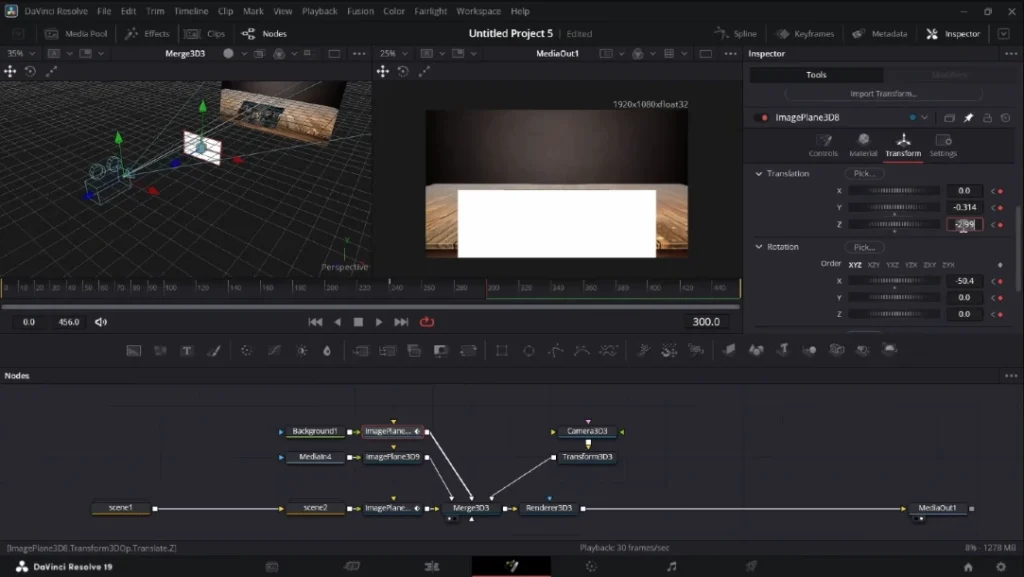
- Fusion VFX: This video editor includes a wide array of features such as green screen compositing, 3D effects, and motion tracking.
- Motion Graphics: It offers access to a diverse range of animation tools and templates.
- Audio Editing: It enables you to perform high-definition audio editing tasks, including noise reduction, sound effects, voice editing, and audio mixing.
Conclusion
If you are looking for software capable of transforming your videos into high-quality, modern-style productions, then this software is the perfect choice for you. Even the free version of this video editor is remarkably powerful and incredibly user-friendly, making it easy for even a complete beginner to understand and master.


Post Comment