Remover FRP 2.0 Tool
The Remover FRP 2.0 tool enables you to bypass Factory Reset Protection (FRP) on Android devices. It is a simple, lightweight tool designed to remove FRP locks from Android devices. While originally designed specifically for Samsung devices, it works on mobile phones from various other manufacturers as well.
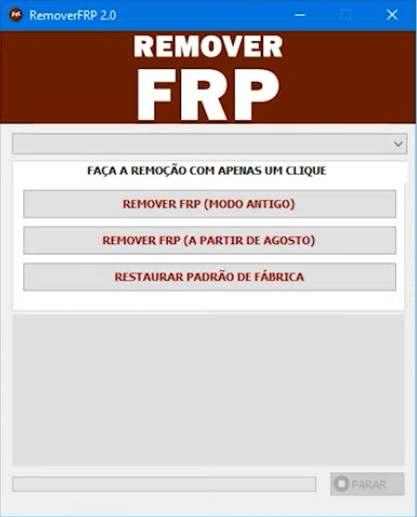
Remover FRP 2.0
Size: 12 MB
Version: v2.0
Compatible: Windows 7,8,10,11
Why is Remover FRP 2.0 special?
Samsung is a major, popular brand, and bypassing FRP on its devices can often be challenging. However, the Remover FRP 2.0 tool makes the process incredibly easy. It works on any Samsung device model.
It is Windows-based software that can be installed on a laptop or PC. If your personal phone is facing an FRP issue, you can use this tool for free; all its features are available at no cost. Removing Factory Reset Protection requires just a few clicks, and the tool resolves the issue within minutes.
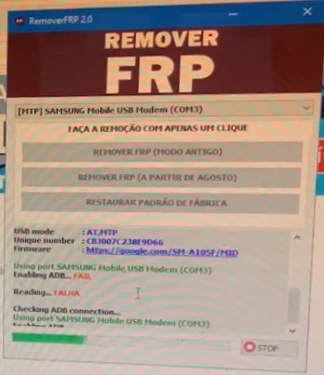
Key features of the Remover FRP 2.0 tool
Let’s take a look at the key features of Remover FRP 2.0 that users appreciate so much:
- One-click FRP removal
- Uses Test Mode (#0##)
- Supports the latest security patches
- Allows for mobile formatting
- Resolves FRP issues
Minimum system requirements
Here are the minimum system requirements needed to use the Remover FRP 2.0 software:
- Operating System: Windows 7, 8, 8.1, 10, or 11
- RAM: At least 2GB
- Storage: At least 500MB of free space
- USB Port: Functional USB port
- Internet: Required for downloading; not needed afterwards
Other Tools
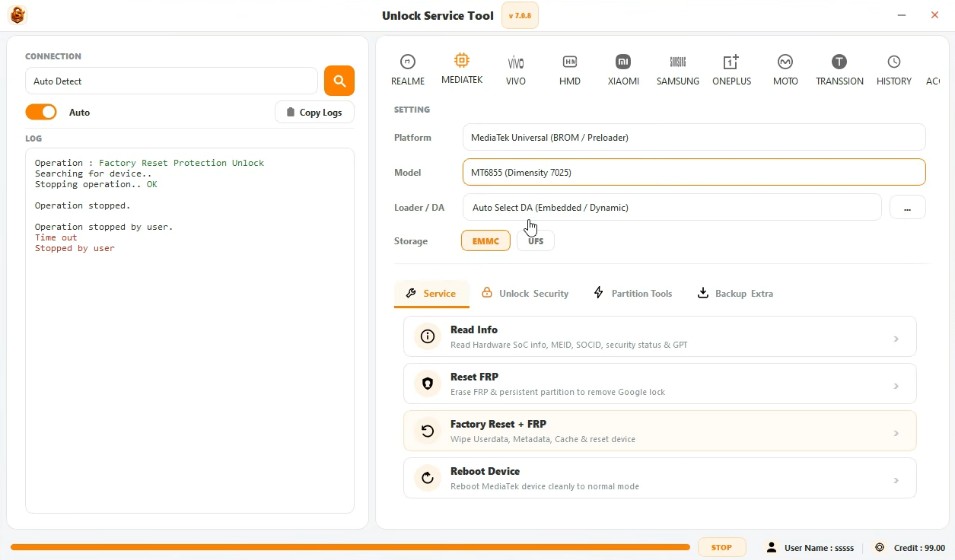
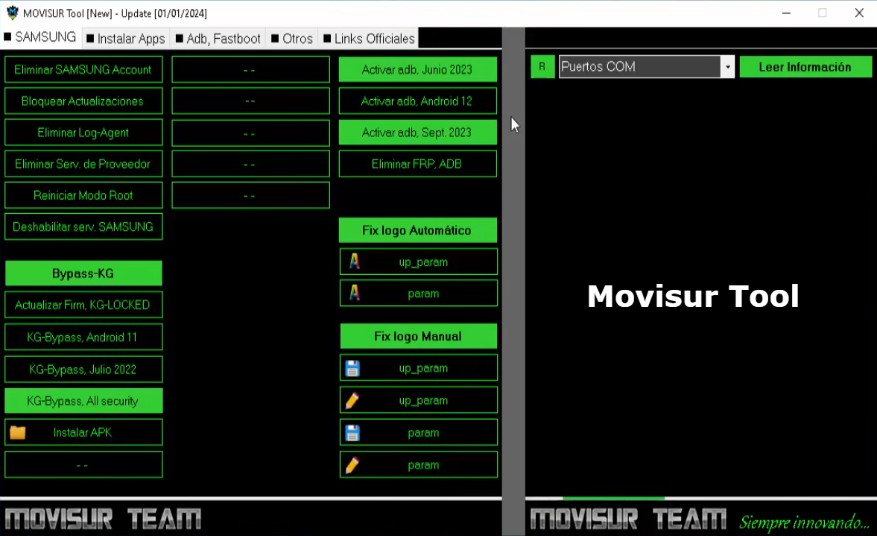
The following tools are available to resolve software issues on Samsung mobile phones.
Supported Models
Below is a list of some supported models that the Remover FRP 2.0 tool easily supports:
- Galaxy S Series
- Galaxy A Series
- Galaxy M / F Series
- Galaxy Z (Fold/Flip)
- Galaxy Tab Series
- Galaxy Note Series
- Etc..



Post Comment