QSM Unlock Tool v1
The QSM Unlock Tool v1 fixes issues such as FRP locks, pattern passwords, and bootloader locks. Mobile repair technicians are also widely adopting it. It is an extremely lightweight and fast application. Furthermore, the QSM Unlock Tool is available for free use.
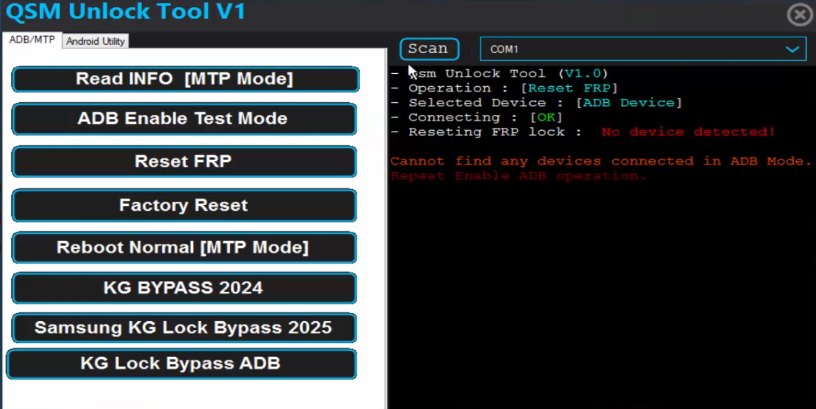
QSM Unlock Tool
Version: v1
Size: 2MB
Compatible: Windows
About QSM Unlock Tool v1
The QSM Unlock Tool is a computer-based software application that you can install on your Windows laptop or PC. It is designed to help resolve software errors on Android devices. This tool has been specifically developed for users of devices featuring Samsung, Xiaomi, Vivo, Oppo, Realme, and Motorola brands, as well as those equipped with MediaTek or Qualcomm chipsets.
The primary objective of the QSM Unlock Tool v1 is to simplify the mobile repair process significantly. It is designed to be accessible even to users with limited technical knowledge. While numerous similar tools exist on the internet, not all of them function effectively, and many appear overly technical to use. For such users, this tool serves as an excellent solution.
What Can the QSM Unlock Tool Do?
A list of the specific mobile issues that the QSM Unlock Tool v1 can resolve is provided below. It is precisely because of these features that the tool is becoming increasingly popular among users:
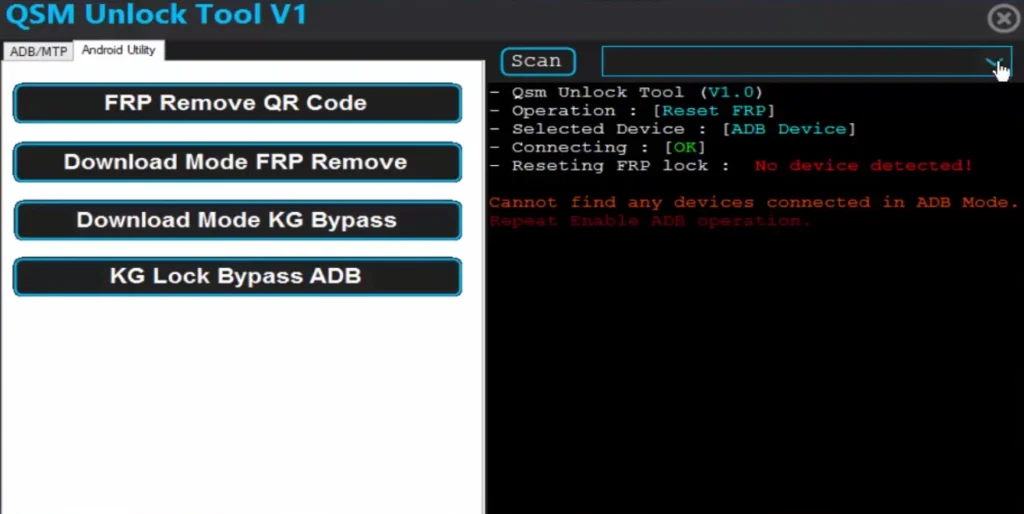
- FRP Bypass
- Pattern/Password Reset
- Software Update and Flashing Support
- Bootloader Unlock Feature
- Factory Reset Feature
How to Install the QSM Unlock Setup
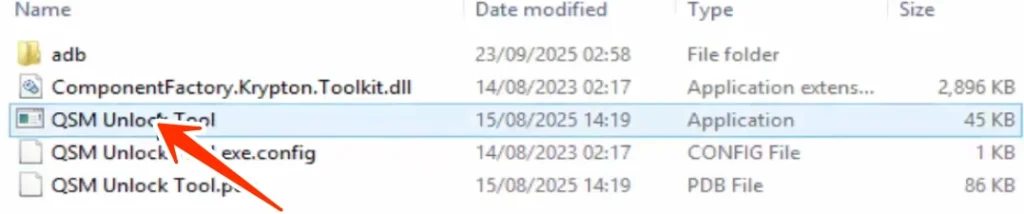
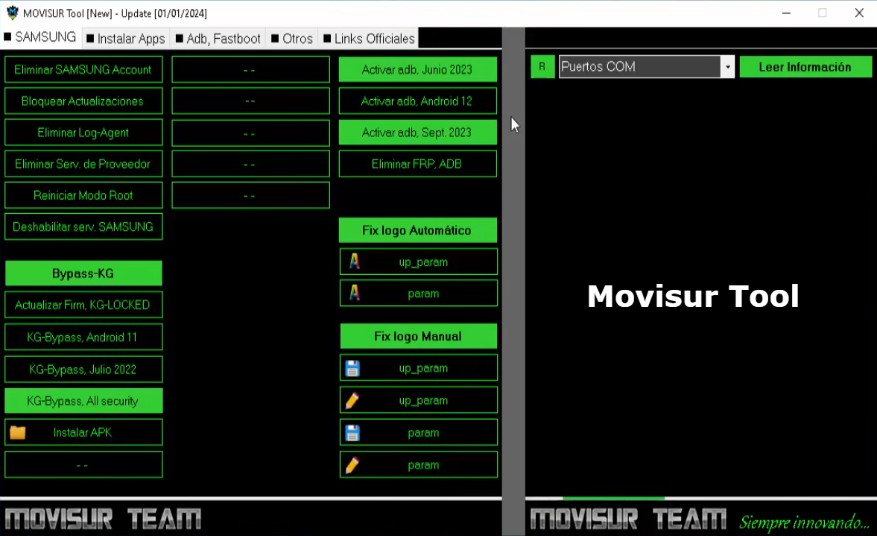
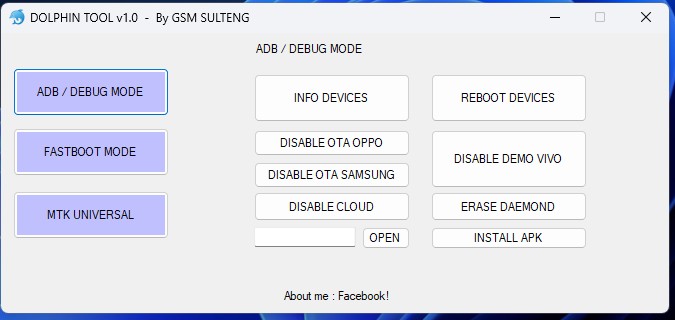
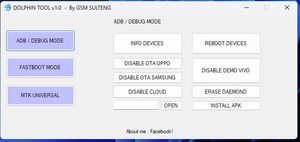
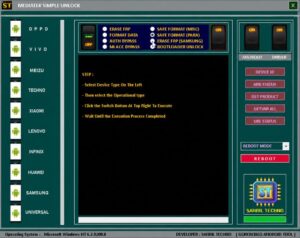
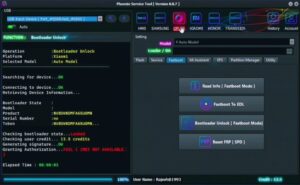
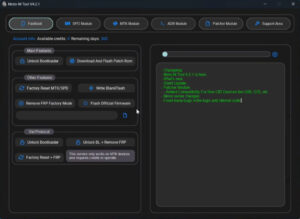
There is no need to install the QSM Unlock setup file to run it. Simply extract the downloaded file and double-click on the “QSM Unlock TOOL.” The tool will then launch automatically, as illustrated in the image provided.
Supported Chipsets
The QSM Unlock Tool supports all of the following chipsets:
- MediaTek (MTK)
- Qualcomm
- Spreadtrum (SPD)
- Exynos
Which is Better: QSM Unlock or TFT Tool?
We have compared the TFT Tool and the QSM Unlock Tool and highlighted their best features below.
| Feature | QSM Unlock Tool v1 | TFT Unlock Tool |
|---|---|---|
| FRP Bypass | Fast and simple | Advanced support |
| Pattern Reset | One-click unlock | Supported |
| Bootloader Unlock | Available | Available |
| Flashing Support | Stable performance | More advanced |
| Supported Chipsets | MTK & Qualcomm | MTK, Qualcomm & SPD |
| User Interface | Lightweight & easy | Professional interface |
| Speed | Fast processing | Very fast |
| Best For | Beginners & normal repairing | Professional technicians |
| System Requirement | Low-end PC support | Medium requirement |
| Free Features | More free options | Limited free access |
Conclusion
If you are a mobile technician, you have undoubtedly heard of this tool. This tool is available for free use. I have successfully unlocked numerous mobile devices using this tool; it is highly useful. If you are looking for a free tool capable of resolving software-related issues on your mobile device, then QSM Unlock Tool v1 is simply the best option available.


Post Comment