Phoenix Service Tool v8.8.8
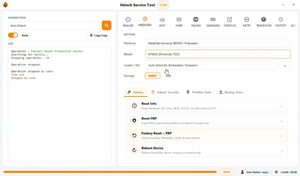
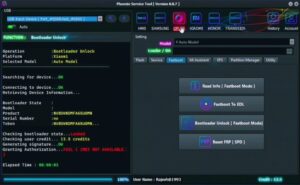
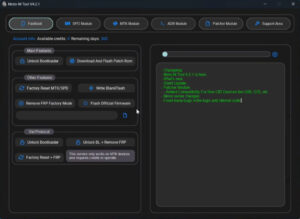
Phoenix Service Tool v8.8.8 has recently been updated. With this version, it offers support for the latest mobile devices. Phoenix Service Tool can resolve a wide range of software-related issues on your mobile phone such as FRP bypass, pattern/password resets, and software updates.
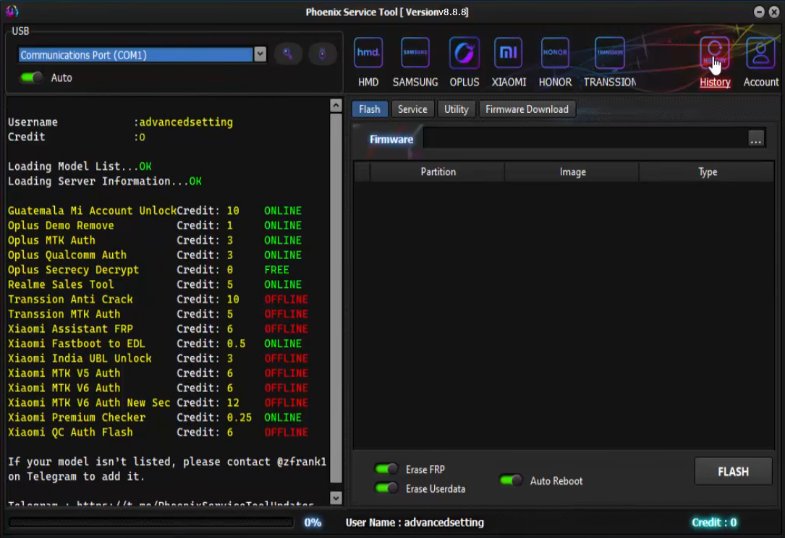
Phoenix Service Tool v8.8.8
Version: v8.8.8
Size: 545MB
Compatible: Windows
About Phoenix Service Tool
This tool is designed specifically for mobile phone repair purposes. The setup file for Phoenix Service Tool v8.8.8 can be installed on any Windows PC or laptop. Furthermore, this update introduces a host of new and advanced features. Installing and using this software is remarkably simple. Mobile repair technicians rely heavily on Phoenix Service Tool in their daily work; however, you can also use it to manage and repair your own personal mobile device.
What can be done with this software:
- Want to remove an FRP lock?
- Want to remove a Pattern, PIN, or Password?
- Want to fix a “dead” or “hanging” phone?
- Want to flash new firmware?
- Want to resolve all software-related issues?
Phoenix Service Tool primarily supports MediaTek (MTK), Qualcomm, and select SPD devices, allowing you to resolve issues with great ease.
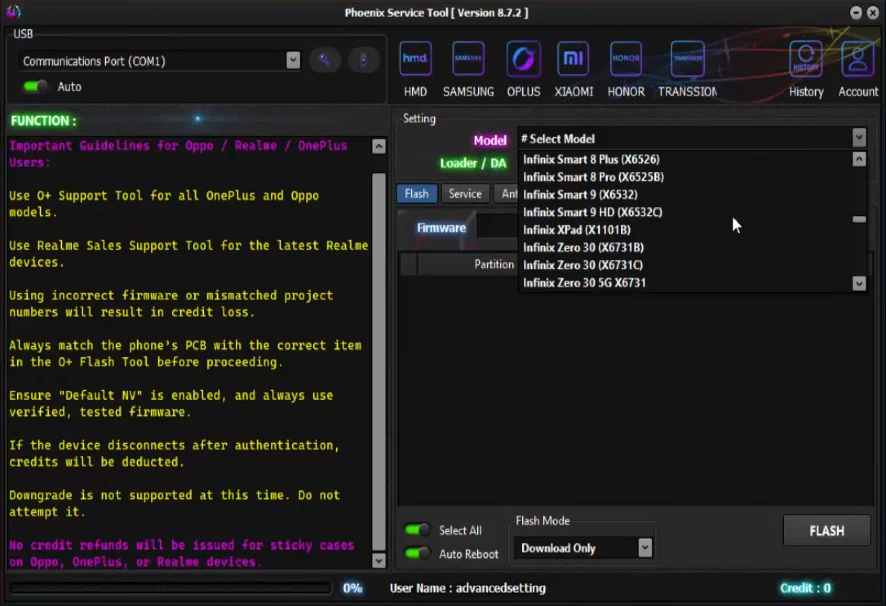
Main Features of Phoenix Service Tool v8.8.8
Let’s explore the specific features included in this latest version that make it stand out as a top-tier tool:
- First and foremost, it is extremely user-friendly.
- Bypassing FRP locks is a very simple process.
- Removing any pattern or password takes very little time.
- Firmware Flashing Support
- IMEI Repair & Network Fix (for select devices)
- Support for the Latest Devices
- Safe & Fast Processing
Phoenix Service Tool System Requirements
The details regarding the minimum system requirements your computer needs to run this tool are provided below:
- Windows 7 / 10 / 11
- 4GB RAM (8GB Recommended)
- USB Drivers Installed
- .NET Framework Installed
Phoenix Service Tool vs. TFT Tool
Here, a comparison has been drawn between the Phoenix Service Tool and the TFT Unlock Tool. This will help you clearly determine which tool is best suited for your needs.
| Feature | Phoenix Service Tool v8.8.8 | TFT Tool |
|---|---|---|
| User Level | Beginner to Intermediate | Professional |
| Interface | Easy to Use | Advanced |
| FRP Bypass | Supported | Advanced Support |
| Flashing | Basic | Advanced |
| Supported Devices | Limited | Wide Range |
| Speed | Fast | Stable |
| Free/Paid | Partial Free | Free |
| Best For | Basic Mobile Repair | Advanced Unlocking |
Final Words
If you are a mobile technician, you should definitely use this tool, as it offers features typically found only in premium tools. However, the Phoenix Service Tool v8.8.8 is currently available for free. If you find this tool useful, you also have the option to purchase the premium version.


Post Comment