Lazy Unlocker Tool v11.4
Download the latest version of the Lazy Unlocker Tool (v11.4) here. This tool helps fix various software issues on Android mobile phones, including FRP bypassing, performing factory resets, enabling ADB, and more.
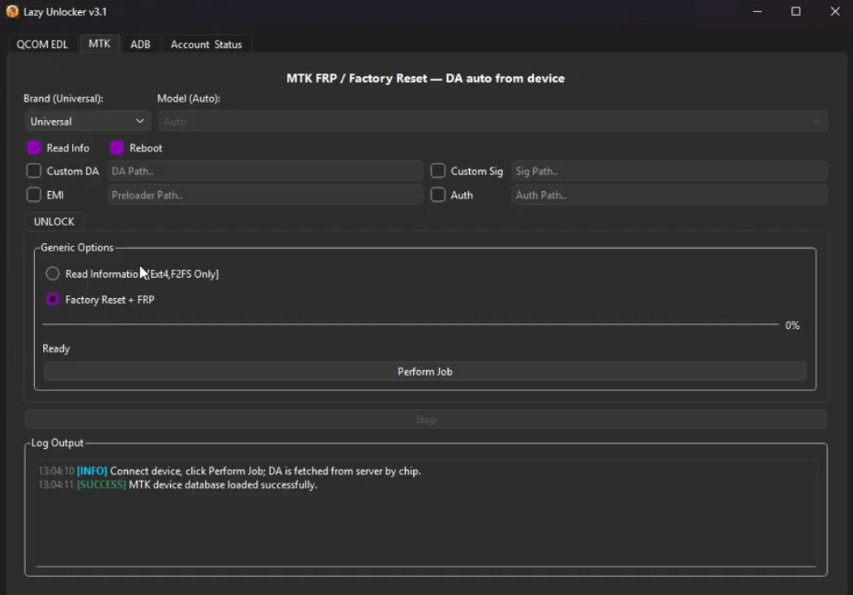
Lazy Unlocker Tool
Size: 75 MB
Version: v11.4
Compatible: Windows
About Lazy Unlocker Tool
Here, we will discuss the Lazy Unlocker Tool v11.4. It is a software application that can be installed on a computer or laptop. Nowadays, almost everyone owns an Android mobile, and issues such as pattern/password locks and FRP (Factory Reset Protection) locks are common. This tool can resolve all these problems.
Regardless of the mobile brand, the Lazy Unlocker Tool handles these issues with ease. Whether the problem is with your own phone or a friend’s or family member’s device, you can use this software to fix it.
Features of the Tool
Let’s look at the best features of the latest version, Lazy Unlocker Tool v11.4:
- First of all, it is a free tool.
- It can resolve multiple types of issues.
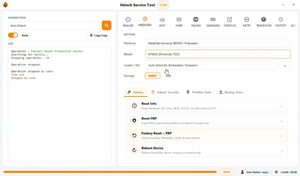
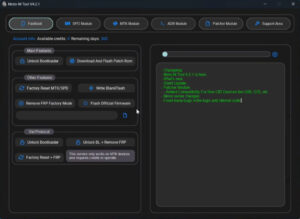
- It has a very simple user interface.
- It supports a wide range of mobile devices.
- Pattern and password reset.
- FRP bypass.
These are some of its key functions, which is why so many people prefer the Lazy Unlocker Tool v11.4.
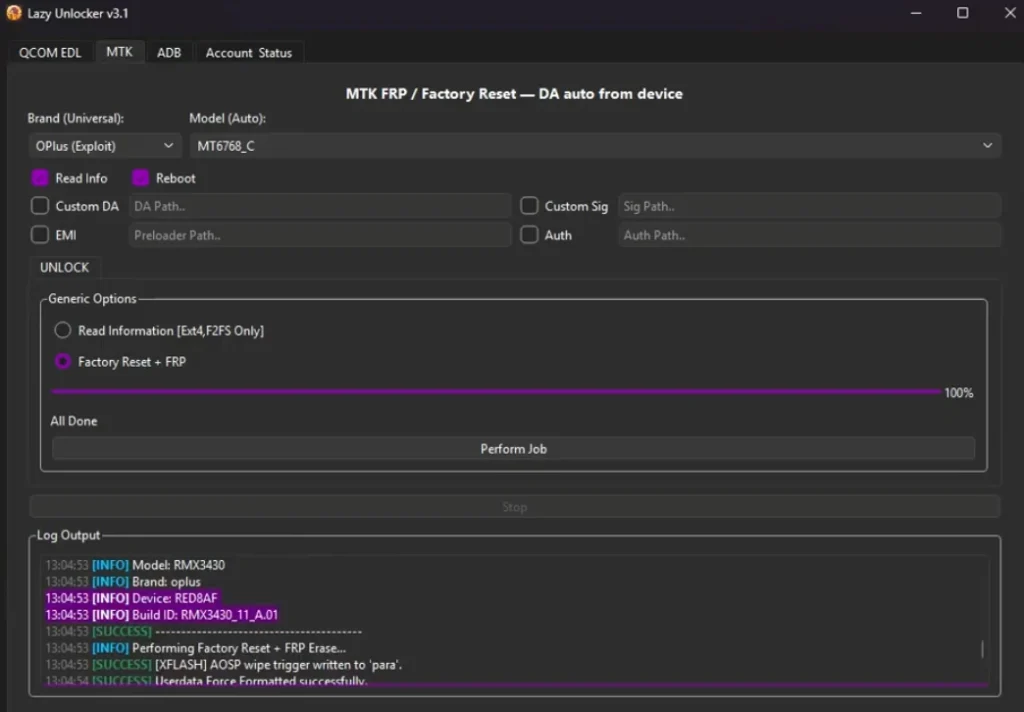
System Requirements
- Operating System: Windows
- Processor (CPU): Intel Core i3
- RAM: 2GB
- Storage: 500MB
- USB Port: USB3.0
Supported Mobile Brands
- Samsung
- Xiaomi (Redmi & POCO)
- Vivo & Oppo
- Infinix
- Other MTK Brands
- Realme
- OnePlus
- Google Pixel
- Tecno
- Itel
Final Thoughts
I have researched this tool extensively. I found many positive reviews for it online. The Lazy Unlocker Tool is very fast and features a user-friendly interface. In my opinion, this tool is definitely worth trying out.


Post Comment