Halabtech Tool
Halabtech Tool helps you perform FRP Bypass, pattern password reset, IMEI repair, and Boot repair on your Android device. This tool is mostly used by mobile technicians, but you can also use it for your personal mobile. This tool is so simple that you can solve your problem in one click. Halabtech has only one button for FRP bypass, by clicking which you can bypass FRP of any Android device.
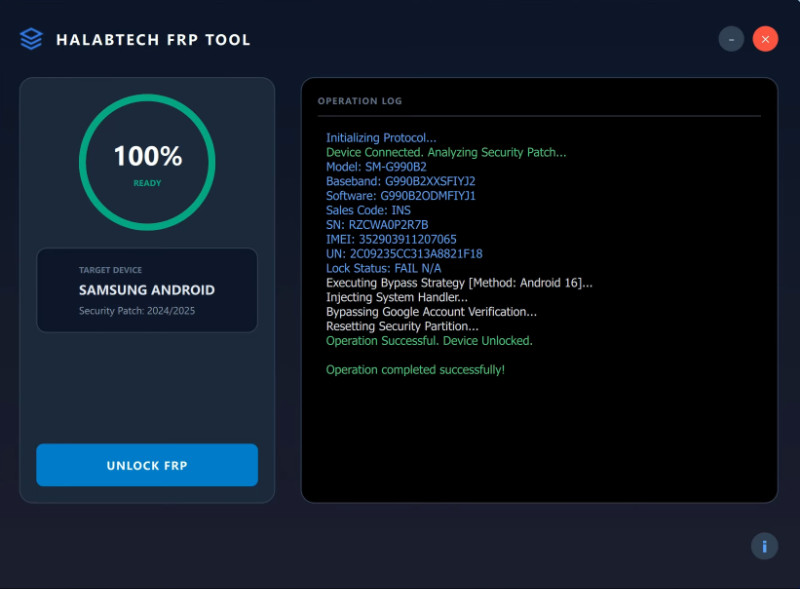
Halabtech Tool
Size: 41MB
Version: v4.0
Developer: halabtech.com
Compatible: Windows
What is Halabtech Tool?
Halabtech is actually a professional mobile repair tool used for Android software repair. Experts mostly use it for mobile flashing and FRP bypass. This tool can fix a variety of problems, listed below:
- Removing FRP (Factory Reset Protection)
- Resetting Pattern/Password
- Flashing
- Network Unlock
- Boot Repair
- Partition Management
With each update, this tool adds more features. We expect more to come.
Which Mobile Processors Does It Support?
Which mobile processors (chipsets) does the Halabtech unlock Tool support?
- MediaTek (MTK)
- Qualcomm
- Spreadtrum (SPD)
- Samsung (Exynos models)
These are the processors this tool supports.
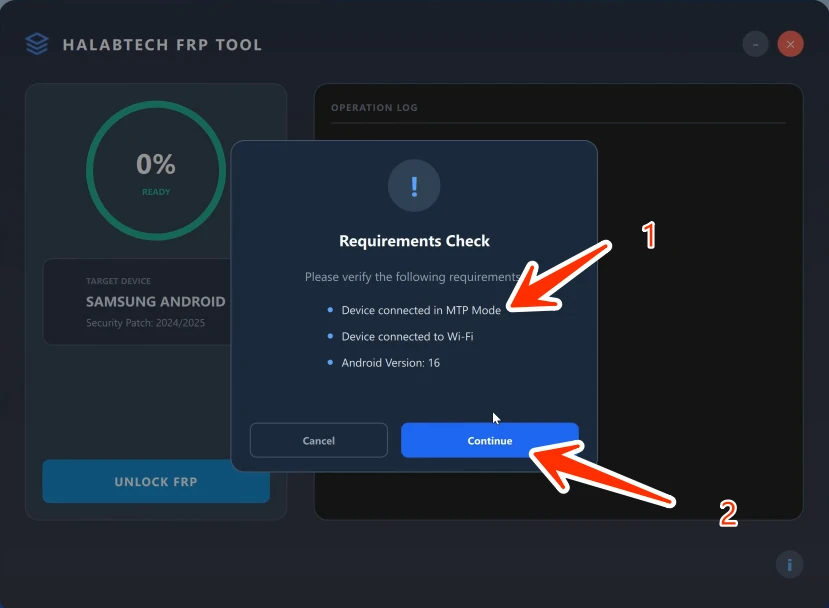
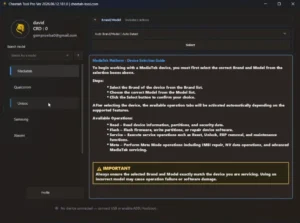
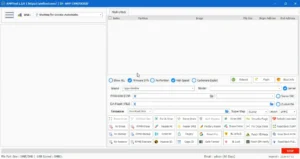
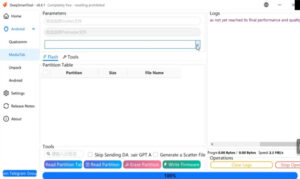
Halabtech Unlock Tool User Interface
Halabtech Tool is popular because its interface is very simple. Even if you’re a new user, you’ll find it easy to use. This tool offers a one-click solution, allowing you to fix software problems without hassle.
Advantages of Halabtech Tool
Halabtech Tool has many features. It supports multiple chipsets, regularly updates to ensure the latest features are available. It’s also community-supported, and its clean interface is very helpful for new users. This means multiple functions are available in just one tool.
| Tool Type | Android Mobile Repair & Unlocking Software |
| Primary Use | FRP Bypass, Pattern Unlock, Flashing, IMEI Repair (Supported Models) |
| Supported Platforms | Windows PC |
| Chipset Support | MediaTek (MTK), Qualcomm (Snapdragon), Spreadtrum (SPD), Samsung Exynos |
Conclusion
If you’re a mobile technician, this is a great tool to use. Or you can also use it for your personal mobile phone. All you need is a laptop or computer.
Post Comment