Android Utility Tool v200
The latest version of Android Utility Tool V200 is 2026. It is completely free to use. So this tool is going to prove to be very good for you. This is a very useful tool for technicians and software developers. With the help of Android Utility Tool, FRP, pattern password reset, device flashing, bootloader management can be done.

Tool Name: Android Utility Tool
Size: 315MB
Version: v200
Password: mfdl
Developer: Mofadal M..
What Can You Do with This Tool?
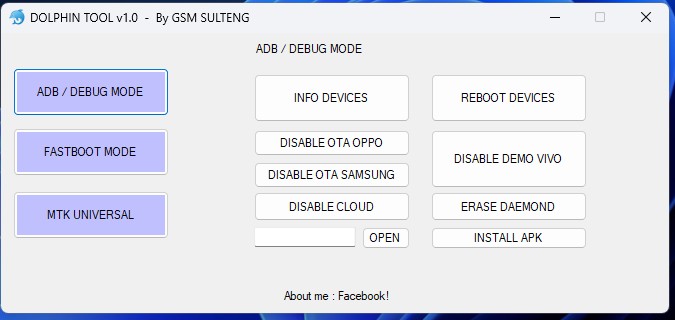
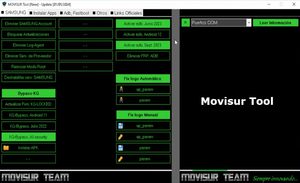
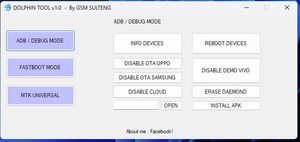
- ADB Commands Execution: Read device info, reboot to different modes, and manage system files using ADB.
- Fastboot Mode Operations: Unlock the bootloader, flash partitions, switch active slots, and fix DM-Verify errors.
- Factory Reset & FRP Bypass: Remove screen locks or bypass Google FRP (Factory Reset Protection).
- APK Installation & System Modification: Install APKs directly via ADB and modify system settings.
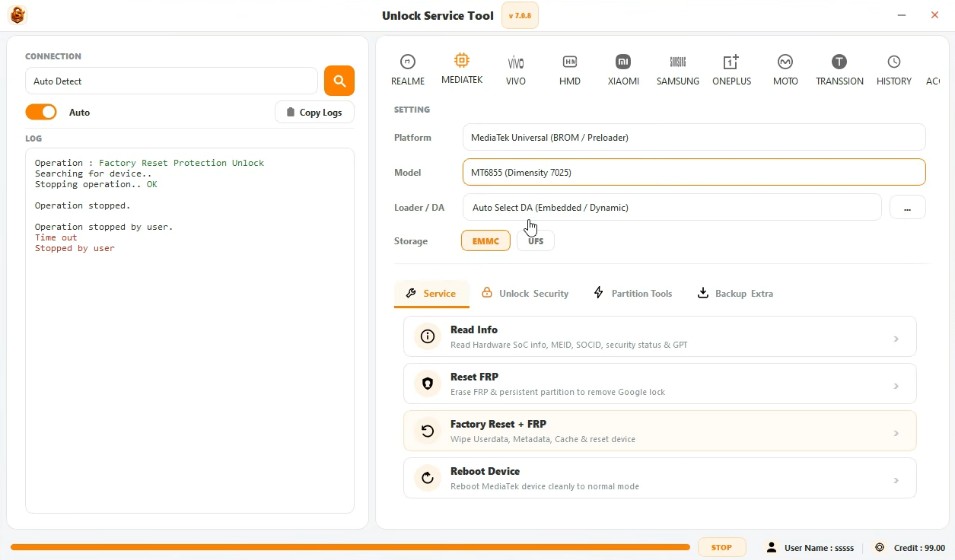
- OEM-Specific Features: Custom operations for Qualcomm, MediaTek, and Vivo devices, including unlocking and debugging.
- Wireless Debugging & Advanced Tools: Disable Wireless Test Assistant mode, enable diagnostic mode, and more.
Who Can Benefit from This Tool?
✅ Mobile Technicians: Ideal for software repairs and unlocking services.
✅ Custom ROM & Root Users: Perfect for unlocking bootloaders, installing custom recovery, and rooting devices.
✅ Developers & Debuggers: Helps in debugging apps and testing system modifications via ADB & Fastboot.
Is it safe to use?
These types of tools should be used carefully. If you use such tools with antivirus, then the antivirus disables or deletes such tools. Such tools should be used only after the device owner identifies them to bypass the lock or FRP of the device. Many viruses are also found in such tools, which can bring unwanted advertisements and many other problems in your device.
Final words
If you are a mobile technician or want to repair your personal mobile phone, such as performing software updates, pattern unlocking, or FRP bypass, you will need a laptop or computer. This is because the Android Utility Tool is available for Windows.


Post Comment