TPS Tool v3.1
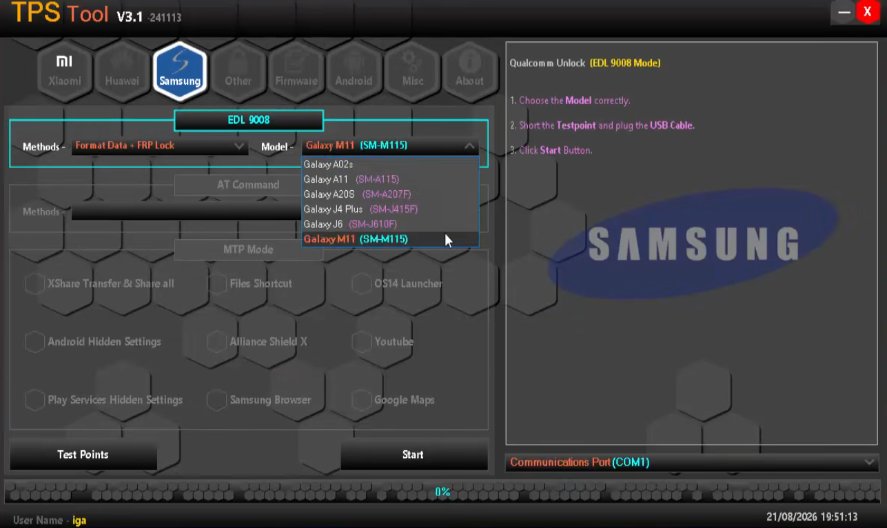
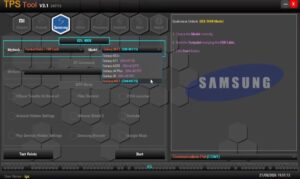
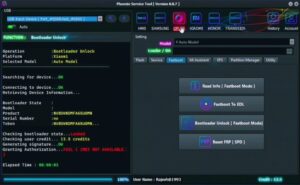
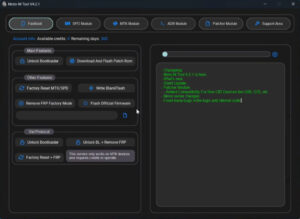
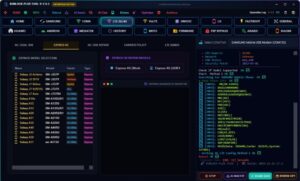
TPS Tool v3.1 is an excellent software solution for repairing Android mobile software. It is used to resolve various software-related issues on mobile devices. Problems such as FRP locks, pattern/password resets, and factory resets can be fixed in minutes.
TPS Tool
Size: 202 MB
Version: v3.1
Compatible: Windows 7,8,10,11
Password: mobiletechfrp
About TPS Tool
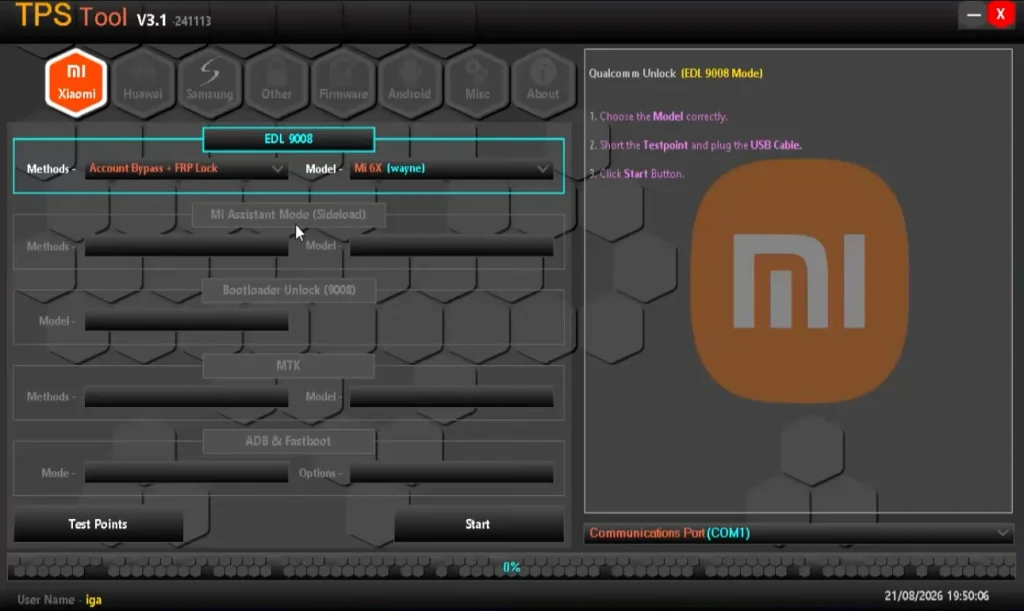
It supports mobile devices from many popular brands, including Samsung, Redmi, and Realme. The primary function of TPS Tool v3.1 is to fix Android software issues. It is a high-speed software application that can be installed on Windows laptops or PCs.
Nowadays, almost everyone owns a mobile phone even young children use them for their studies. These devices often encounter software problems, such as forgotten passwords, FRP locks triggered after a format, or the phone hanging/freezing. This tool can easily resolve all such issues.
Who is TPS Tool v3.1 useful for?
Software like TPS Tool is primarily used by mobile repair technicians. However, individual users facing such issues with their own phones can also utilize this tool. It is important to know how to operate the tool correctly; any interruption during processes like flashing or FRP bypassing could potentially cause the phone to stop working. Therefore, it is advisable to gather proper information about the tool before using it.
What problems does it solve?
The TPS Tool can resolve the following issues on Android mobile phones:
- Resetting the mobile password
- Bypassing FRP (Factory Reset Protection)
- Fixing hanging or freezing issues
- Flashing the mobile
What is required before using TPS Tool v3.1?
We have provided some information below regarding what you need to have before using this tool:
- The necessary USB drivers must be installed on your computer.
- You should use a high-quality USB cable.
- The device’s battery must be sufficiently charged.
- Ensure you have the correct information regarding the model and chipset.
- Back up important data beforehand.
- Perform only compatible operations.
- Do not disconnect the USB connection during the process.
Keep in mind that these prerequisites are essential for fixing software issues on any mobile phone.
TPS Tool v3.1 Supported Mobile Brands
We have listed some mobile brands that the TPS Tool supports and for which it resolves software issues.
| Brand | Support |
|---|---|
| Xiaomi | Supported |
| Redmi | Supported |
| POCO | Supported |
| Huawei | Supported |
| Honor | Supported |
| Samsung | Supported |
| OPPO | Supported |
| Vivo | Supported |
| Realme | Supported |
| Infinix | Supported |
| Tecno | Supported |
| itel | Supported |
| Gionee | Supported |
Post Comment