MediaTek Simple Unlock Tool V2.0
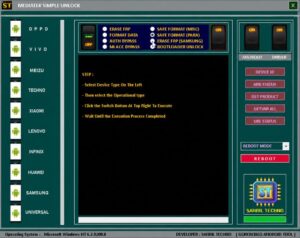
MediaTek Simple Unlock Tool V2.0 is a popular software utility used to resolve mobile software issues. If you are looking for a tool capable of fixing software problems on Android devices, this is an excellent choice. Here, we will explore in detail why it stands out as a top option.
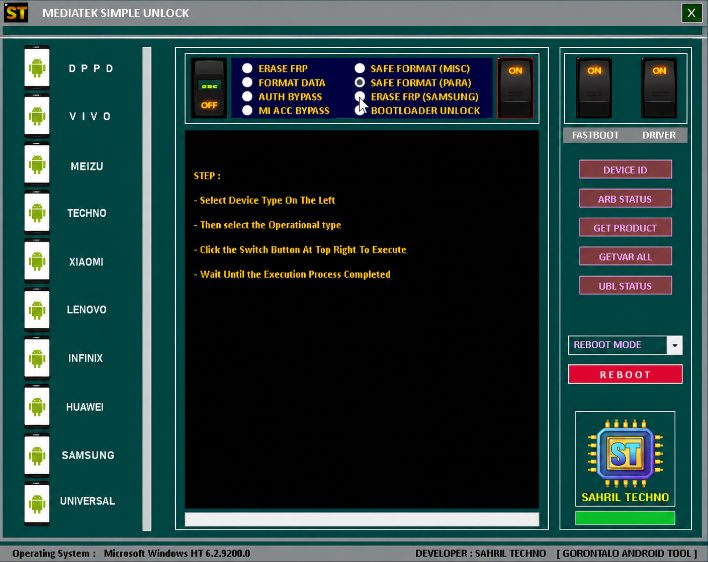
MediaTek Simple Unlock Tool
Size: 90 MB
Version: v2.0
Compatible: Windows 7,8,10,11
Supported Brand: Motorola
Password: Sahril Gorontalo
About MediaTek Simple Unlock Tool
This software can be installed on Windows PCs and laptops and is primarily used by mobile technicians. It helps resolve various issues on Android phones such as FRP locks, pattern/password locks, flashing requirements, and device hanging effectively.
If you are a technician, this tool will prove highly beneficial due to its multi-functional capabilities, allowing you to fix a wide range of mobile issues using a single utility. Its latest version, v2.0, supports newer mobile models. You can also download and use it for free if you wish to repair your personal mobile device.
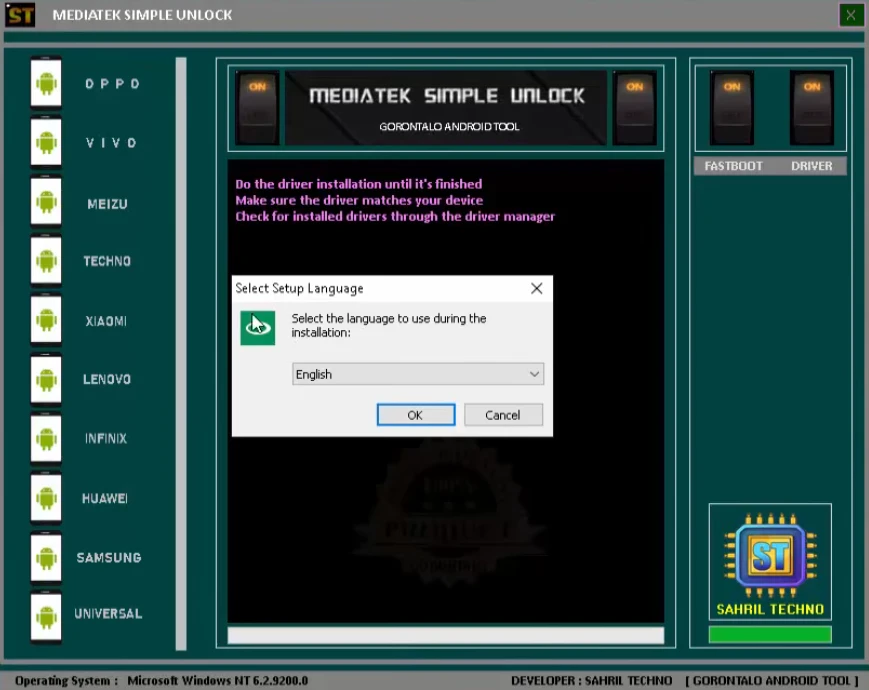
Key Features
Let’s look at some of the best features of MediaTek Simple Unlock Tool V2.0:
- A software’s interface is crucial, and this tool features a simple, user-friendly design.
- Since many Android devices are powered by MediaTek processors, this tool has been specifically designed for them.
- It is lightweight and fast, ensuring rapid processing speeds.
- The tool receives regular updates, enabling it to support the latest mobile models.
What This Tool Can Do
MediaTek Simple Unlock Tool V2.0 is used for a variety of tasks. It addresses several types of mobile software issues, as listed below.
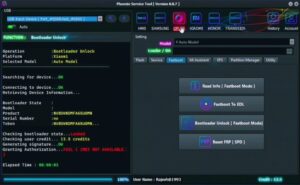
- Detecting MediaTek devices
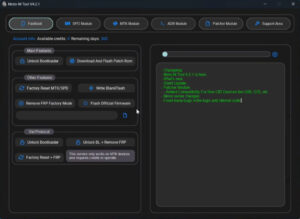
- Removing pattern locks and passwords
- Basic service operations
- Bypassing FRP
- System connection testing
- Mobile flashing
- Device communication management
- USB port detection
- Reading logs and diagnostic information
Minimum System Requirements
Details regarding the computer specifications required to install the MediaTek Simple Unlock Tool V2.0 setup are provided below.
| Operating System | Windows |
| Storage | 500 MB |
| RAM | 4GB |
| Driver | MediaTek USB Driver |
| USB Cable | OG USB Data Cable |
Post Comment