Tuna Pro Tool
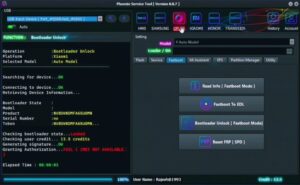
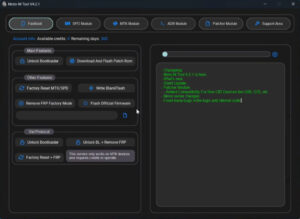
Download TunaPro Tool v3.9 Latest Version. Software issues are frequently encountered in Android mobile phones such as FRP locks, screen lock issues, general software glitches, and flashing errors. You can resolve all these problems using the Tuna Pro Tool. Software issues have become a common occurrence in Android devices. You can install this tool on your laptop or computer and use it for your personal mobile devices.
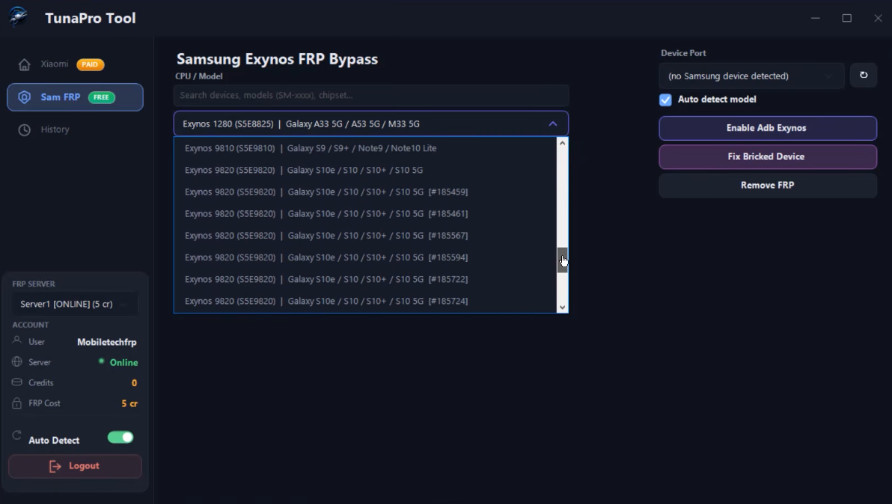
TunaPro Tool
Size: 40 MB
Version: v3.9
Developer: TunaProTool
Compatible: Windows
What is TunaPro Tool?
This is a newly launched tool designed primarily to fix software issues in Android mobile phones. It supports devices from brands like Samsung, Xiaomi, Mi, Oppo, Redmi, and Poco, as well as devices powered by MediaTek processors. It is a software application that can be installed on Windows laptops and PCs.
A free trial is available, allowing you to use TunaPro Tool at no cost. TunaPro Tool is lightweight and operates very quickly, requiring minimal system specifications for installation. It helps resolve a wide range of software-related problems on Android devices.
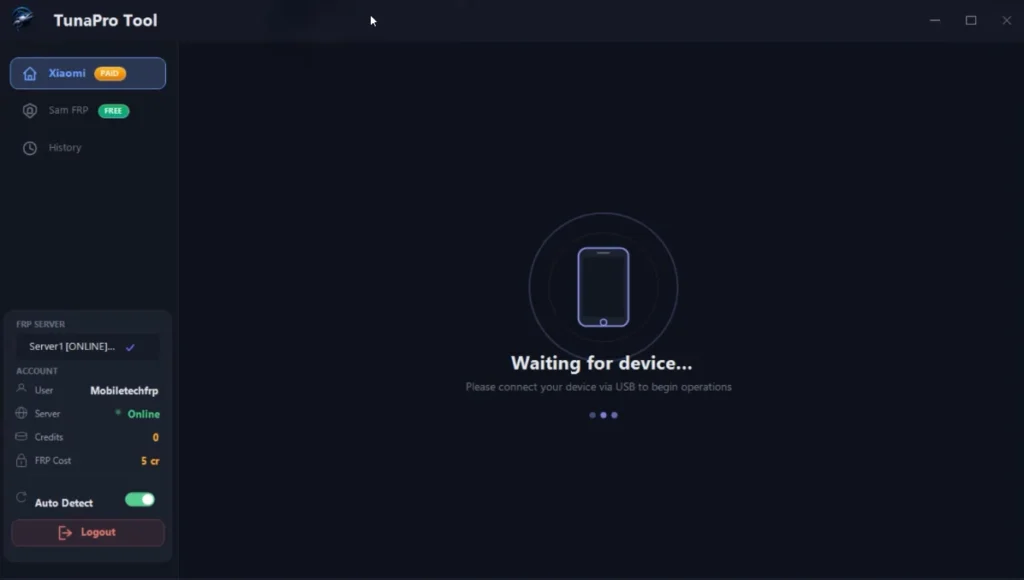
Why is TunaPro Tool the best choice?
Let’s explore the key features that make TunaPro Tool so popular.
- User-friendly interface
- Minimal system requirements
- Lightweight and fast performance
- Regular updates ensuring support for new mobile models
Supported Mobile Brands
The TunaPro Tool is specifically designed for Xiaomi, Redmi, Poco, and Samsung devices; it resolves various software issues on Xiaomi phones. It also supports a wide range of other MediaTek-based mobile devices.
Free Register
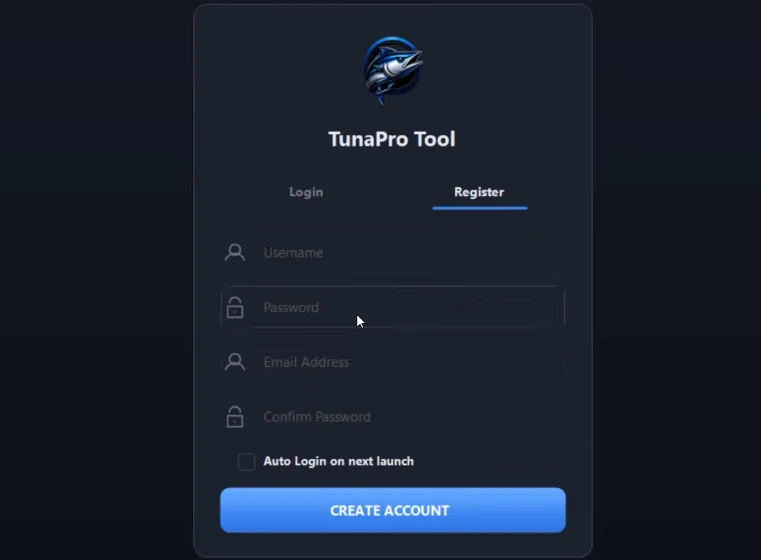
TunaPro Tool System Requirements
Installing this tool requires minimal system specifications, the details of which are provided below:
| Requirement | Minimum |
|---|---|
| Operating System | Windows 7/8/10/11 |
| RAM | 2 GB |
| Storage | 200 MB+ |
| Internet | Required |
| Processor | Dual Core + |
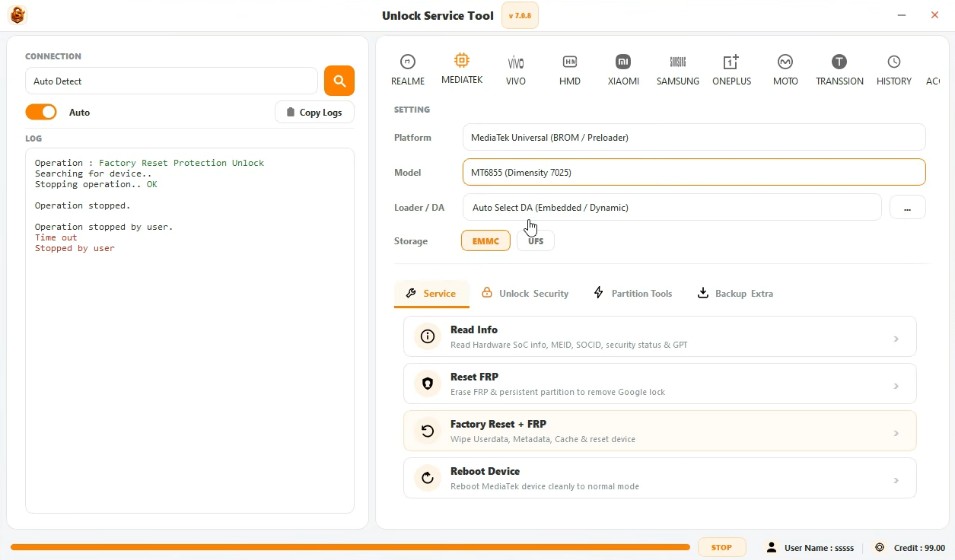
If you want completely free tools, you can use the TFT Tool.
Conclusion
TunaPro Tool is a recent release, so there isn’t much information available about it online yet. However, I have used it personally and found it to be an excellent tool, thanks to its simple interface and fast processing speed. You need to purchase the tool to use it, but it is very affordable.
If you are a mobile technician, using this tool would be beneficial because it is lightweight and very cost-effective. Furthermore, it does not require any hardware box; you can simply install the TunaPro Tool setup and start using it immediately.


Post Comment