Bader Mediatek v5 Tool
Android devices are the most widely used mobile devices across the globe. Consequently, software-related issues are frequently encountered in Android smartphones. The Bader Mediatek v5 Tool is a specialized software application designed to be installed on your laptop or desktop computer.
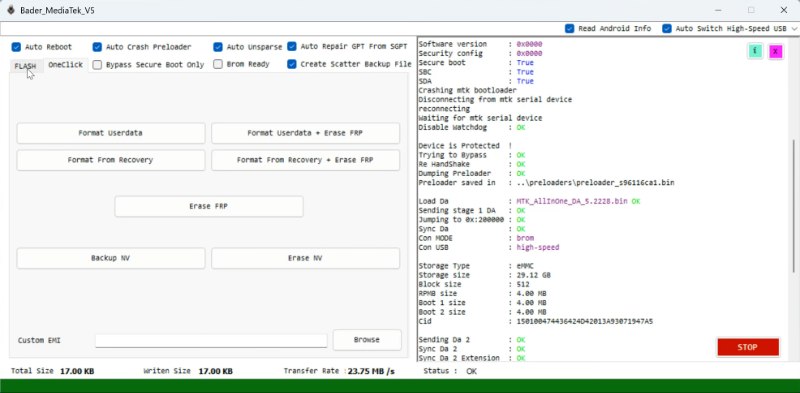
Bader Mediatek Tool
Version: V5
Size: 8.5MB
Compatible: Windows
Once installed, it enables you to effectively resolve software-related problems on Android mobile devices. Whether you are a professional mobile technician or simply an individual looking for a tool to fix software glitches on your personal device, the Bader Mediatek v5 Tool stands out as an excellent choice.
What is the Bader Mediatek Tool?
The Bader Mediatek Tool is a software utility that can be installed and utilized on a laptop or PC. It addresses a wide range of software issues, including FRP bypass, pattern and password resets, mobile software flashing, and bootloader unlocking, among many others. The Bader Mediatek v5 Tool represents the latest iteration of this software, offering support for an even broader array of the newest mobile devices.
This tool establishes a connection with the operating system via a USB cable. Let’s delve deeper to explore its specific features and discover exactly which problems the Bader Mediatek v5 Tool is capable of resolving.
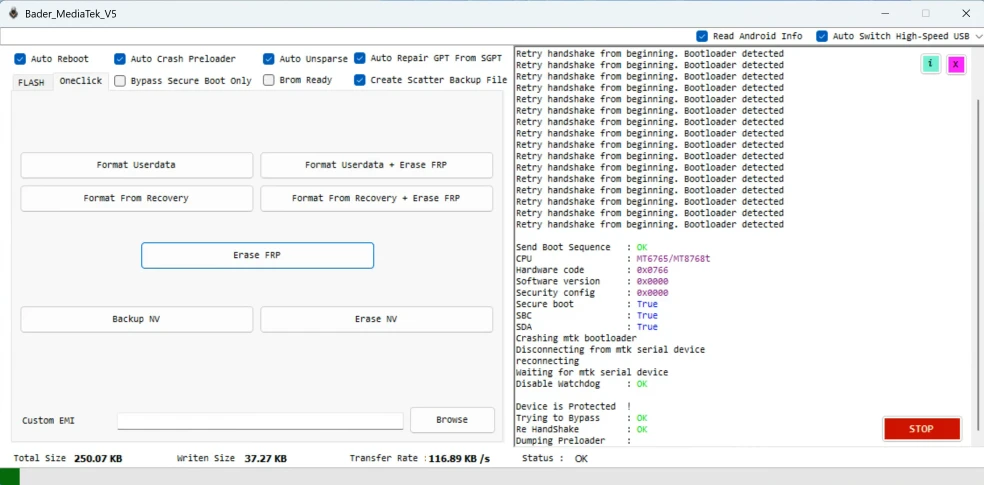
Key Features of Bader Mediatek v5
This tool is far more than just a simple, single-purpose unlocking utility; it serves as a comprehensive solution. It has been specifically engineered to diagnose and resolve a wide spectrum of software-related issues.
- FRP Bypass: The Bader Mediatek Tool can bypass the Factory Reset Protection (FRP) on any mobile device in a matter of minutes.
- Pattern / Password Reset: We occasionally forget the PINs or passwords used to unlock our mobile devices; this tool allows you to easily reset those forgotten passwords and patterns.
- Firmware Flashing: Whether you need to install a new software update on your mobile device or resolve a specific system issue, this tool facilitates the firmware flashing process.
- IMEI Repair & Backup: Invalid or corrupted IMEI numbers can be successfully repaired using this tool.
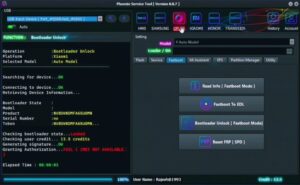
- Bootloader: Advanced users also have access to bootloader management capabilities.
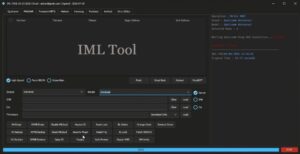
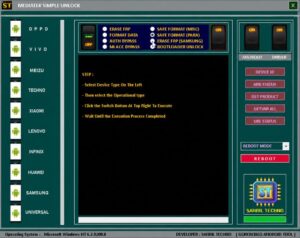
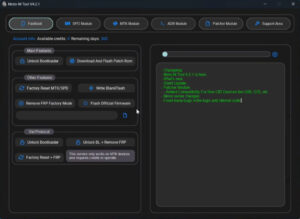
- User-Friendly Interface: One of the most notable highlights of this tool is its intuitive and user-friendly interface. Bader Mediatek v5 has been kept quite simple.
System Requirements
The details regarding the minimum system requirements for installing the Bader Mediatek v5 Tool setup on your PC or laptop are provided below:
- OS: Windows 7 / 8 / 10 / 11 (32-bit & 64-bit)
- RAM: Minimum 2GB
- Storage: 500MB free space
- USB Drivers: MTK USB Drivers must be installed.
- .NET Framework must be installed.
These constitute the minimum requirements—which are quite modest. Being lightweight, it operates efficiently while occupying very little storage space.


Post Comment