Sam Skip Tool v41
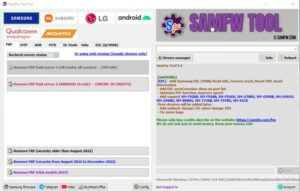
Sam Skip Tool helps fix mobile software problems. Its focus is on FRP bypass, partition formatting, and fixing some software-related problems. Sam Skip Tool v41 is the latest version, which you can download for free. So, let’s learn more about the tool.
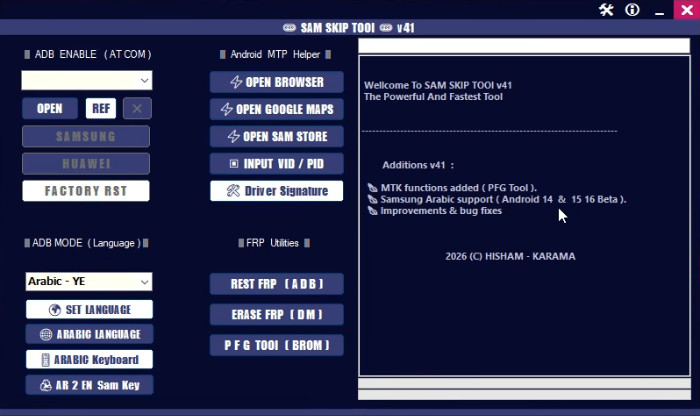
Sam Skip Tool
Size: 133MB
Developer: SamSkipTool
Version: v41
Compatible: Windows
What is Sam Skip Tool?
If you’re a mobile technician, you’ve probably heard of this tool. And if you’re new, let’s get to know it. It’s a Windows-based tool designed for Android devices. It’s used to fix Android software problems. It’s primarily used for FRP bypass and partition formatting. It can also fix many other problems, which we’ll learn about later. If you’re a mobile technician, this tool will make your work easier.
Sam Skip Tool v41 is the latest version. If you want to use it for your personal mobile, feel free to use it. Whenever your mobile device is formatted and asks you to log in to a Google account, the one that existed before formatting. Without it, you can’t access or use the phone. This is called FRP lock. This tool can solve this type of problem in minutes. It can also easily fix many other critical problems that other tools can’t.
- Device stuck in FRP lock
- Bootloop issue
- Software corruption
- I’m asking for Google verification after a reset
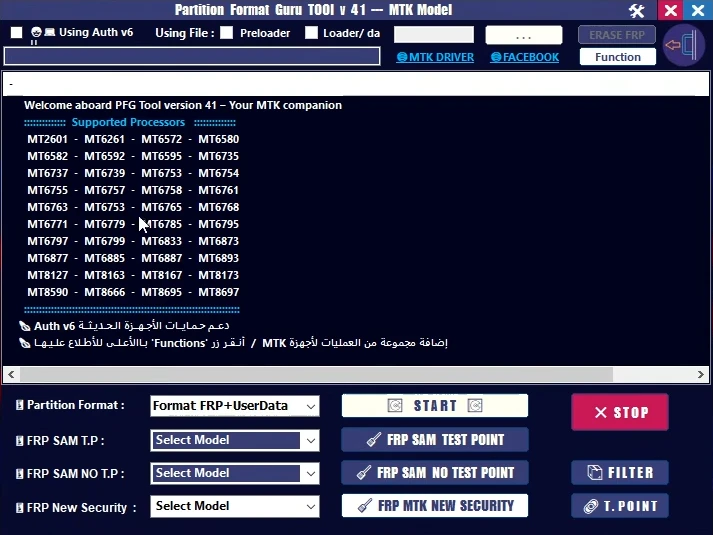
What is Partition Format?
Every Android device has different partitions for different functions. For example:
- System
- Userdata
- Cache
- Recovery
- Vendor
Main Highlights of Sam Skip Tool v41
Now we’ll explore the tool’s most practical features that technicians appreciate:
- Partition Format Option: This is the tool’s best feature, and it’s the reason it’s so popular. Formatting partitions is rarely seen in other tools.
- FRP Bypass Support: Factory reset protection is a security feature, but it can sometimes be problematic for users.
- User-Friendly Interface: A simple interface is appreciated by everyone, whether new or experienced.
- Multiple Samsung Models Support: It supports most Samsung models and can fix problems for all.
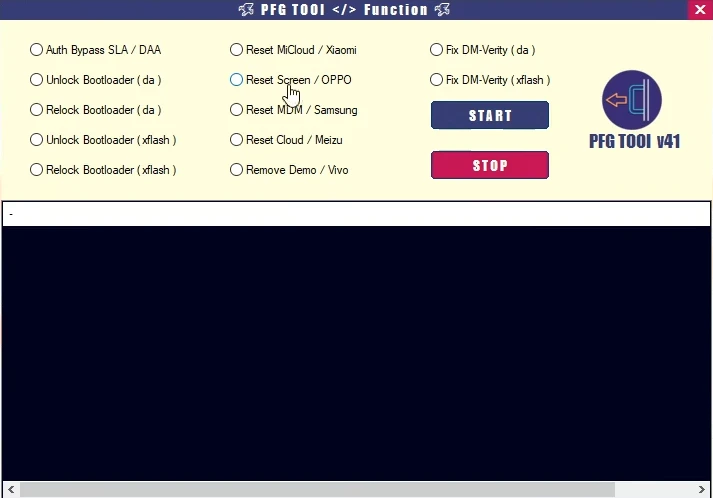
Important Things to Keep in Mind Before Using This Tool
Before flashing or formatting your phone, it’s important to keep these things in mind:
- Backup: If your phone is accessible, it’s best to backup it first.
- Battery Level: Before flashing software or performing any other process, ensure the battery is above 50%.
- Original USB Cable: An original cable means a good cable. Otherwise, errors may occur during flashing or formatting.
- Drivers: A USB driver is required to connect the phone to a PC. Therefore, ensure that the Samsung USB driver is installed.
Final Words
Sam Skip Tool v41 is a tool for formatting partitions. It has many features and is specifically designed for Samsung devices. If you have a device with FRP or require a partition formatting, feel free to use this tool. If you are not a mobile technician and are new to this field, it is important to know a little about it.


Post Comment