Frija Tool (Latest Version)
Frija Tool is very important for users who use Samsung devices and want to download their firmware. Simply put, Frija is a firmware downloader software that allows users to download official device files.
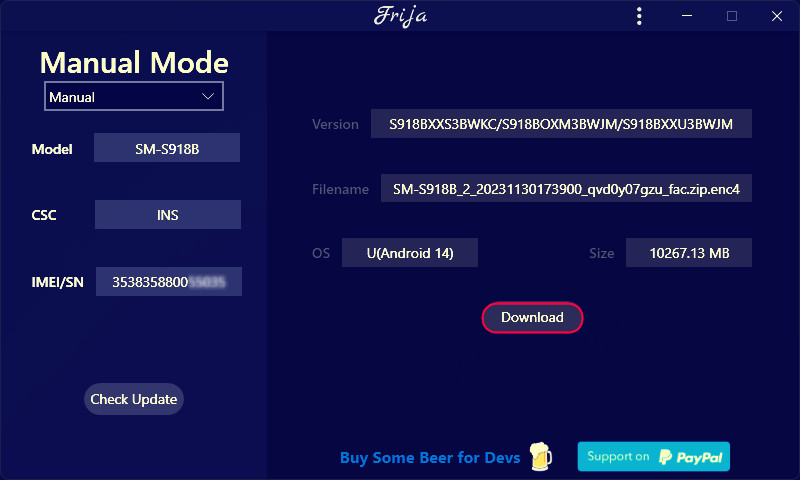
File Name: Frija Tool
Size: 6 MB
Version: v2.0
Operating system: All Windows
What is Frija Tool?
Frija Tool is a lightweight Windows-based software that helps download original stock firmware for Samsung smartphones. This tool has several other features; let’s learn about them:
- This tool connects directly to Samsung’s firmware update servers.
- The firmware downloaded using Frija Tool is encrypted and untouched.
- Firmware download speed is also very good.
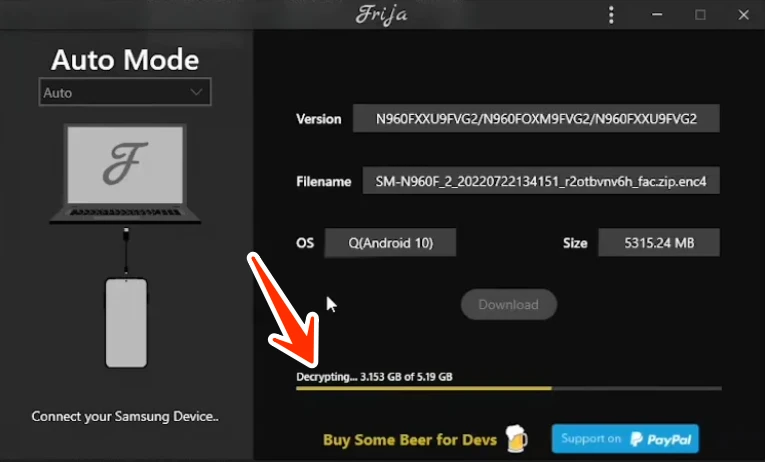
This means that any file you download from here will be completely original, the same file that Samsung itself provides to users through OTA (Over-The-Air) updates.
Why Use Frija Tool?
There are many benefits to using Frija Tool, which we will discuss in detail below:
- You can download 100% official Samsung firmware from here.
- No fake/modified files.
- Fast download speed. Downloads directly from Samsung’s servers.
- You can manually select CSC, Model, and Region.
- Supports all Samsung devices.
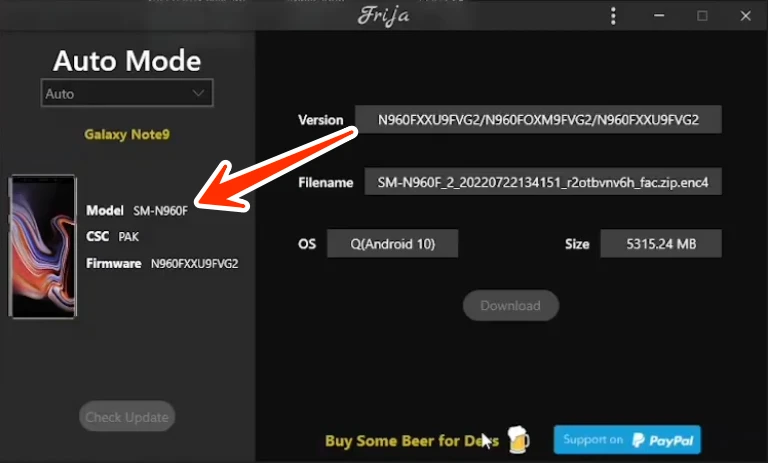
Prevents your phone from becoming bricked due to incorrect firmware.
If you flash or repair Samsung phones, Frija Tool is an excellent tool for downloading the correct firmware.
Frija Tool: Understand It First
Frija Tool is not an APK; it’s software for Windows PCs and laptops that helps fix mobile software problems by downloading firmware.
Requirements:
- Windows 7 / 8 / 10 / 11
- .NET Framework must be installed
- A stable internet connection
- Basic knowledge of Samsung models
Please note that this tool is only available for PCs and laptops.
Final words:
If you are a mobile technician, this tool will be very beneficial for you. The Frija firmware downloader is completely free. This tool is used by many technicians and some regular users who have a laptop or PC. Its interface is very simple, and a new user can easily understand it.


Post Comment