Odin Tool 3.13.1
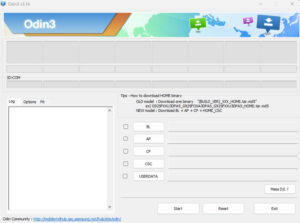
Odin Tool 3.13.1 is a flashing tool that updates the firmware of Samsung devices. Odin Tool can easily fix software problems on Samsung devices. Designed specifically for Samsung, it’s a very simple and popular tool. It’s an official tool that’s completely free online.
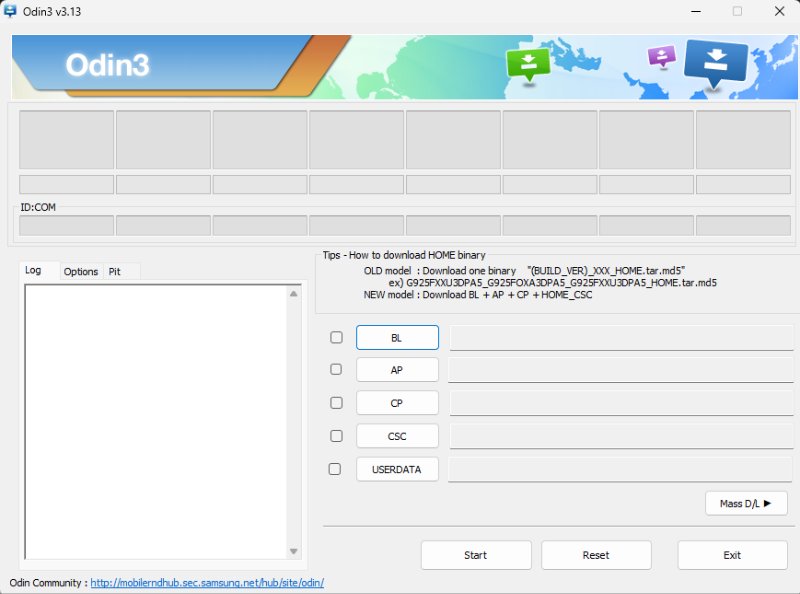
Odin Tool
Size: 5MB
Version: v3.13.1
Developer: Odin
Compatible: Windows
What is Odin Tool?
Odin Tool is a Windows software program that can flash Samsung mobile phones. It’s used for Samsung smartphones and tablets. If you’re experiencing software-related issues with your Samsung device, this tool can be used to update the software, potentially fixing software issues.
If you use a Samsung device and are experiencing software-related issues, such as hanging, resetting your pattern password, or forgetting your FRP, this tool can easily solve all of these problems. Odin Tool 3.13.1 Best Version for Samsung Mobile
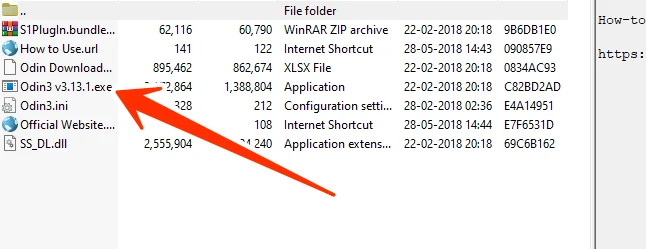
Odin Tool 3.13.1 Why is it popular?
Each Odin Tool version is updated based on a specific Android version, resulting in multiple versions. As soon as Samsung releases an updated Android version, Odin updates to the latest version for that version as well. Sometimes, users prefer a version that they find more user-friendly and easier to use.
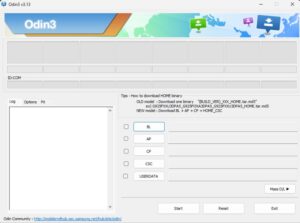
Odin Tool 3.13.1 supports modern Samsung mobile devices. It offers better file recognition (AP, BL, CP, CSC formats), and supports Android Oreo and Pie firmware.
What does Odin Tool do?
What can be done with Samsung devices using Odin Tool:
- Official Samsung firmware flashing.
- Soft-bricked devices can be revived.
- Reinstalling a corrupted OS.
- Reverting to stock ROM.
Before Using the Odin Tool
It’s crucial to have the correct firmware, otherwise your phone may shut down. The battery should be at least 50% charged. If possible, use the original data cable, which makes flashing faster. Most importantly, back up your device if it contains any important data.
Post Comment