Zeroknox Removal Tool v2.4
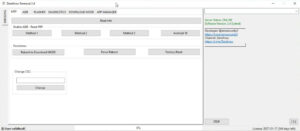
Zeroknox Removal Tool v2.4 the latest version is capable of supporting the newest Android device models. If your device is experiencing software-related issues, the Zeroknox Removal Tool is the ideal solution for you. This tool has been specifically designed to resolve software-related problems on Android devices. Let’s take a closer look at what it offers.
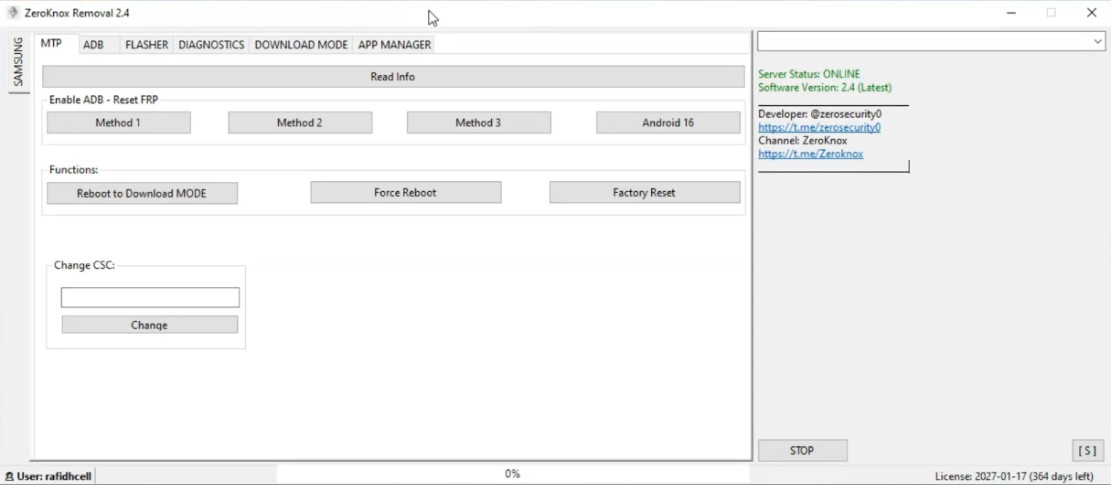
Zeroknox Removal Tool v2.4
Version: v2.4
Size: 8MB
Compatible: Windows
About the Zeroknox Removal Tool
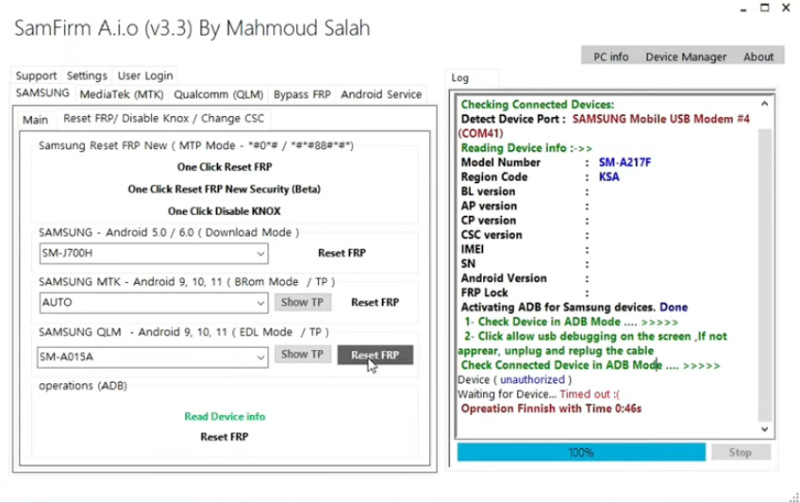
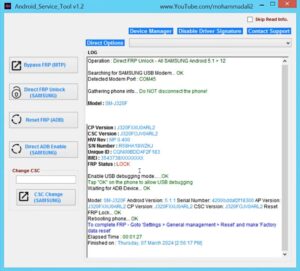
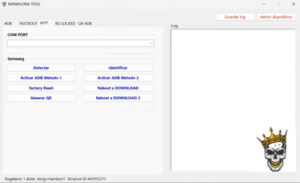
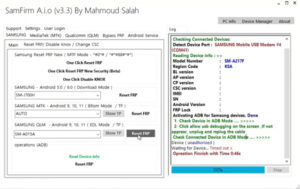
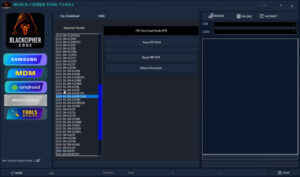
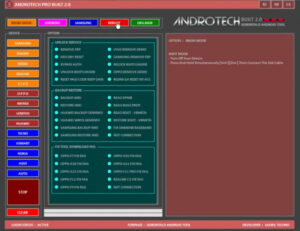
Zeroknox Removal Tool v2.4 is a Windows-based software application. You can install it on either a desktop computer or a laptop. Its primary function is to resolve common issues on Android mobile devices, such as FRP bypassing, resetting pattern locks and passwords, and device flashing.
We all know that encountering software-related issues on a mobile phone can lead to numerous frustrations. You can utilize this tool to troubleshoot issues on your own personal mobile device; all you need is a laptop or desktop computer to run the software. With just a few clicks, this tool can resolve the problems affecting your device. It is both lightweight and powerful.
What Problems Does the Zeroknox Tool v2.4 Solve?
Here, we will explore the specific Android issues that this tool can resolve in a matter of minutes. Zeroknox Removal Tool v2.4 represents the latest version, which has been updated to address an even wider range of technical issues. So, let’s find out exactly which problems it can fix:
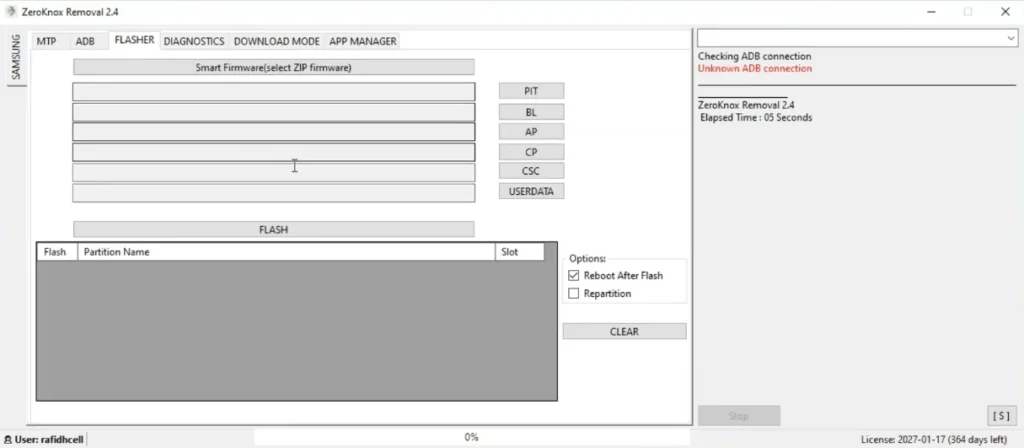
- bypassing FRP (Factory Reset Protection).
- For resolving issues related to Knox security.
- Fixing the “Unauthorized action detected” error displayed on the device.
- Removing or unlinking a previously associated account.
The list above highlights some of the common issues that are frequently encountered on most Android devices.
Supported Mobile Processors
The list of mobile processors supported by the Zeroknox Removal Tool v2.4 is provided below:
- Exynos Processor Devices
- Qualcomm Snapdragon Devices
- MediaTek Processor Devices
- Spreadtrum / Unisoc Devices
System Requirements
The system specifications—or requirements—for your computer or laptop to use the Zeroknox Removal Tool are as follows:
- Windows 7 / 8 / 10 / 11
- Minimum 2GB RAM
- USB Cable
- Samsung USB Drivers Installed
Being a lightweight tool, it operates efficiently using very little system resources and can effectively resolve your issues.
Post Comment