UMT QcFire Tool (Latest Setup)
You can download the latest setup of the UMT QcFire Tool. This tool is used for mobile repairs. It’s a very powerful tool. Its interface is simple but it’s packed with features. We’ve provided complete information about the UMT QcFire setup here.
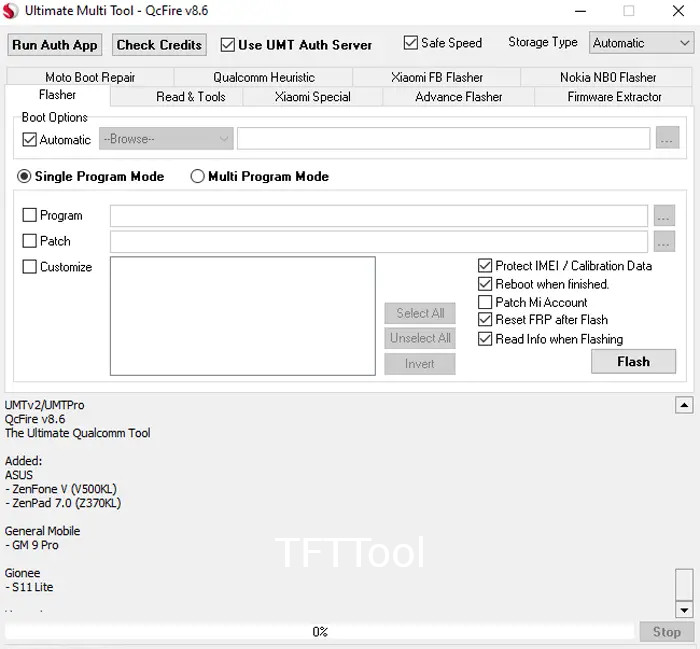
UMT QcFire Tool
Size: 262 MB
Password: UmtTeam
Version: v13.2
Compatible: Windows
What is the UMT QcFire Tool?
UMT QcFire is a professional service tool developed by the Ultimate Multi Tool (UMT) team. It’s specifically for mobile technicians. It comes with a USB modem for use, and it’s quite premium. If you have such mobile phones in need of repair, using this tool can be beneficial.
Its primary focus is:
- Qualcomm phones supported
- Removing FRP (Factory Reset Protection)
- Resetting Pattern/Password
- Easily supports EDL mode
- Partition management
- Dead boot recovery
What’s New in the Latest Setup?
This new update of UMT QcFire fixes several issues and adds several features. Previously, we saw this tool hang in Windows 7. Users faced this problem for a long time. However, now this issue has been resolved and it supports many of the latest models. A new security patch can handle the latest mobile phones. Flashing has been observed to be faster than before.
Security has been significantly tightened in new Qualcomm devices these days, and this latest setup update has been made with this in mind.
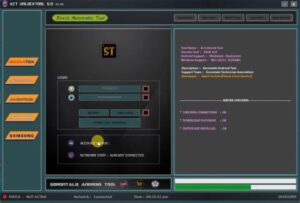
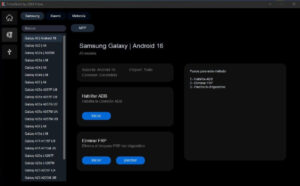
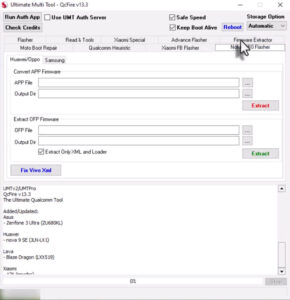
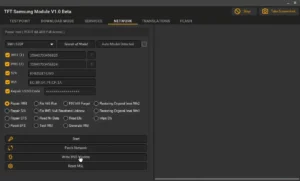
User-Friendly Interface
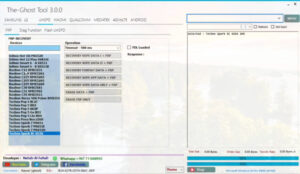
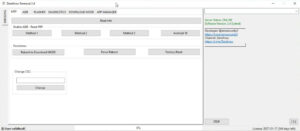
The interface of this tool is quite simple. It may seem like a lightweight and inexpensive tool, but it is very powerful. Mobile technicians use it extensively. It has many features that technicians appreciate.
Post Comment