The Ghost Tool v3.0.0
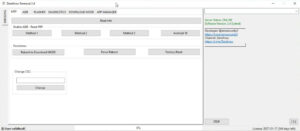
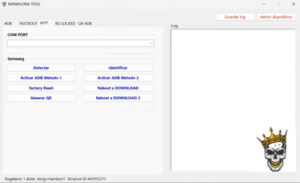
The Ghost Tool v3.0.0 resolves a wide range of issues—whether it involves FRP bypass, pattern unlocking, or firmware flashing. It is a powerful utility designed to fix software-related problems on Android devices. If you are looking to resolve software glitches on your phone, you should definitely give The Ghost Tool a try.
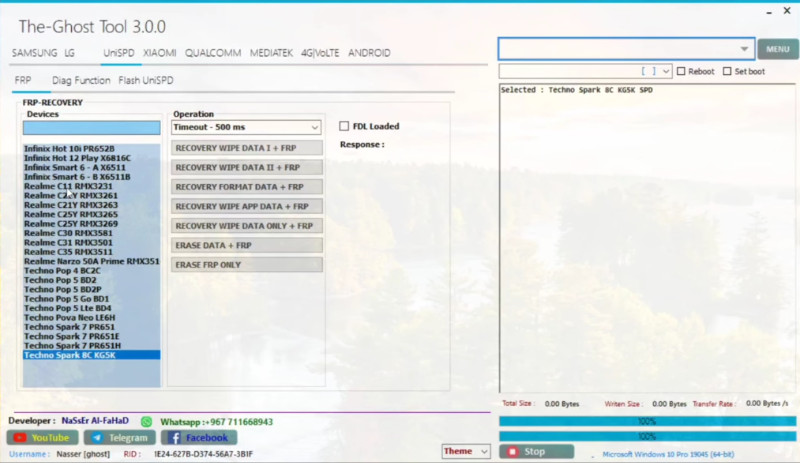
The Ghost Tool
Version: v3.0.0
Size: 33MB
Password: 123
Compatible: Windows
What is The Ghost Tool?
We all know that mobile phones have become indispensable in today’s world. However, Android devices frequently encounter various software-related issues. You can actually resolve many of these problems right at home; with the help of The Ghost Tool, you can effectively eliminate these issues. The recently updated version, The Ghost Tool v3.0.0, has been made even more powerful and now supports a wider range of the latest Android devices.
If you own a mobile phone that is experiencing software-related difficulties, you can utilize this tool to fix it. You can use The Ghost Tool to troubleshoot issues on your own personal device, and—best of all—this tool is available for use completely free of charge. It is a Windows-based software application designed to be installed on a laptop or desktop computer.
Features of The Ghost Tool v3.0.0
Here, we will explore the key features of its latest version, v3.0.0:
- FRP Bypass Feature
- Screen Lock Removal
- Flashing Support
- IMEI Repair
- Device Information Tool
- One-Click Operations
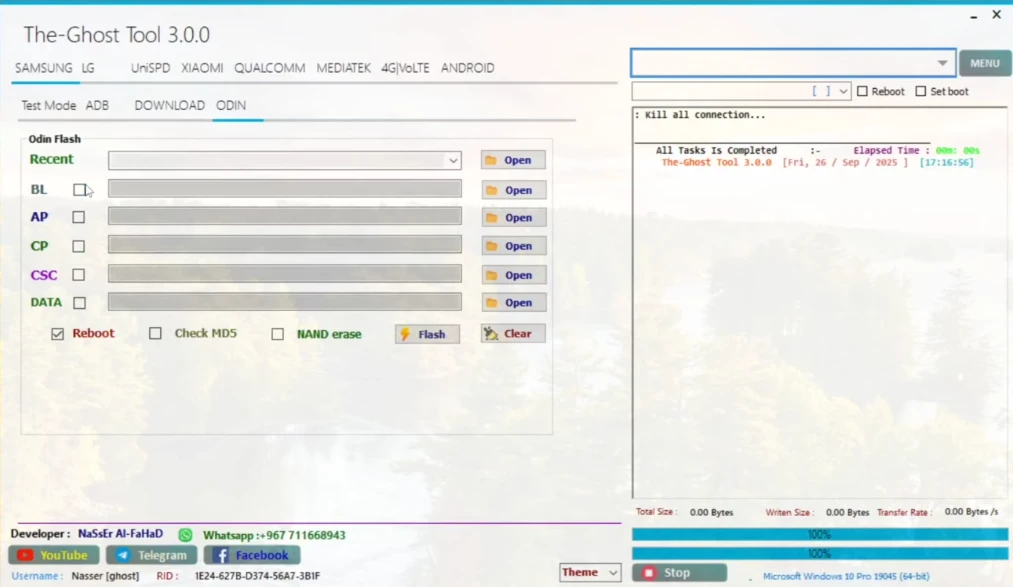
Supported Mobile Brands
While The Ghost Tool v3.0.0 supports a wide variety of brands, we have provided a list of some of the most popular supported brands below:
| S.No | Mobile Brand Name | Popular Series / Models |
|---|---|---|
| 1 | Samsung | Galaxy S, A, M Series |
| 2 | Xiaomi (Mi) | Redmi, Poco, Mi Series |
| 3 | Vivo | Y Series, V Series |
| 4 | Oppo | A Series, F Series, Reno |
| 5 | Realme | Narzo, Number Series |
| 6 | Huawei | P Series, Mate Series |
| 7 | Honor | X Series, Play Series |
| 8 | Motorola | Moto G, Edge Series |
| 9 | Nokia | C Series, G Series |
| 10 | Infinix | Hot, Note Series |
| 11 | Tecno | Spark, Camon Series |
| 12 | OnePlus | Nord, Number Series |
| 13 | Lenovo | K Series, Z Series |
| 14 | Asus | Zenfone, ROG Phone |
| 15 | Sony | Xperia Series |
| 16 | Lava | Z Series, Agni |
| 17 | Micromax | IN Series |
| 18 | Itel | A Series, Vision Series |
| 19 | Pixel Series | |
| 20 | ZTE | Blade Series |
How to install The Ghost Tool?
This is computer software. So, it needs to be installed like any other computer software. First, download the setup for The Ghost Tool v3.0.0, the link to which is available here:
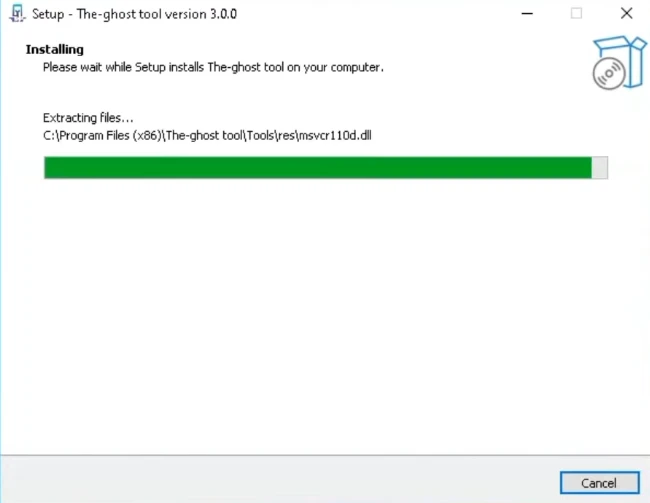
- Double-click the downloaded setup to start the installation process.
- A software program will open on the screen with some permissions.
- Tick all of them and proceed.
- After following these steps,
- The Ghost Tool has now been successfully installed.
Final Words
The Ghost Tool v3.0.0 is used to resolve software issues on personal mobile phones. If you wish to fix your device, you can download this tool; we have provided the download link here. Various other mobile tools of this kind are also available on our website, all of which you can use completely free of charge.


Post Comment