Galaxy Multi Tool v1.0
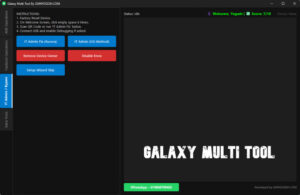
If you are looking for a tool for your Android phone that allows you to customize, repair, or optimize your smartphone with great ease and without any hassle, then the Galaxy Multi Tool v1.0 is the perfect tool for you. It enables you to resolve various complex issues with your Android phone very easily. It is also quite simple to use and is a completely safe application that poses absolutely no risk to your device. You can easily download it via the link provided in this post.
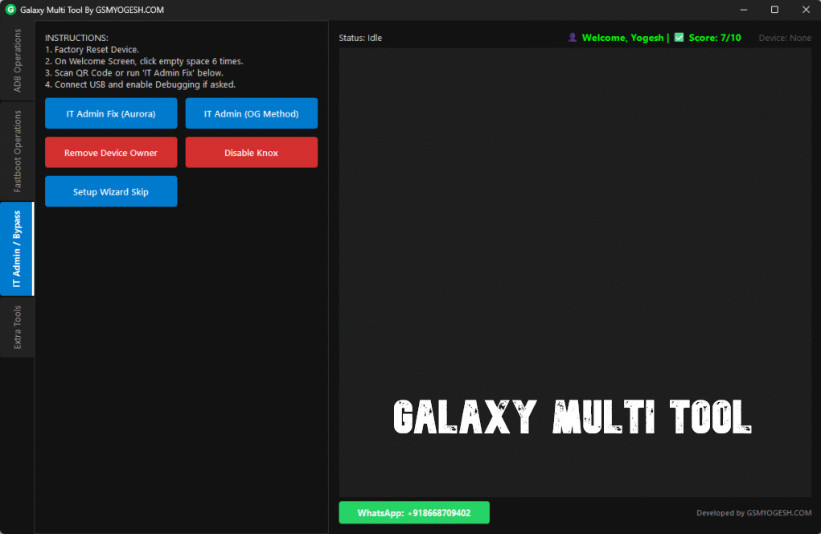
Galaxy Multi Tool
Version: v1.0
Size: 41MB
Compatible: Windows
What is the Galaxy Multi Tool?
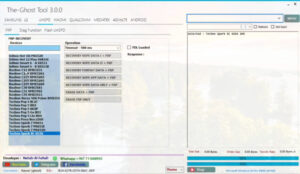
Galaxy Multi Tool v1.0 is a utility designed to help you fix software-related issues on your mobile device, while also granting access to certain unlocked features. This tool offers a range of features that you would be hard-pressed to find in any other application. Galaxy Multi Tool is an Android utility software specifically designed for managing, repairing, and unlocking smartphones. Additionally, you can use this tool to bypass Google Account locks. In today’s environment, users frequently encounter various issues related to their Google Accounts; this tool enables you to resolve many of these problems with great ease.
Galaxy Multi Tool is a highly powerful and versatile utility that proves invaluable for Android troubleshooting and unlocking purposes. It is particularly useful for individuals looking to customize their smartphones. If you have an interest in mobile repair or software-related tasks, this tool will undoubtedly prove to be a helpful asset for you.
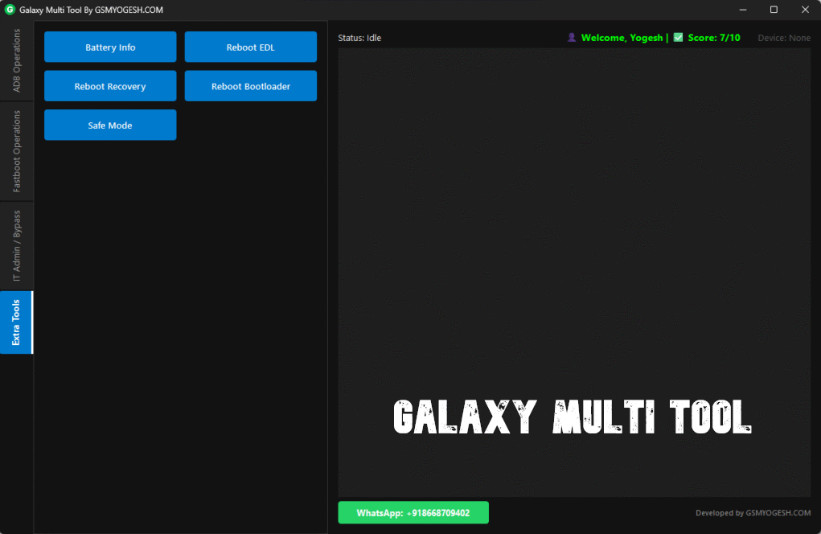
Key Features of Galaxy Multi Tool v1.0
Galaxy Multi Tool is a highly powerful Android tool that offers you a wide range of excellent features. Its key features are outlined below in simple and clear language, providing you with comprehensive information regarding all its capabilities:
1. FRP Lock Removal
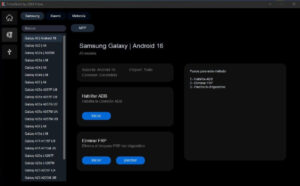
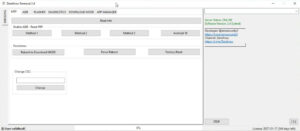
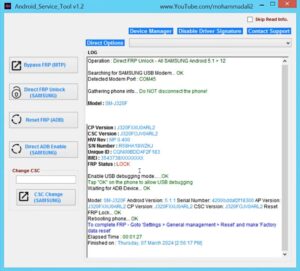
By using Galaxy Multi Tool v1.0, you can very easily bypass the Google Account Verification (FRP Lock) on your phone after a reset.
2. Flashing Support
With the help of this tool, you can install stock firmware and also fix bootloops. It allows you to perform manual software updates.
3. Device Information
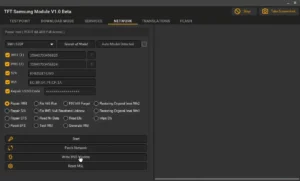
With the help of Galaxy Multi Tool, you can also view detailed information about your device—such as the model number, Android version, IMEI status, and hardware details. It also offers you various other features.
4. Unlocking Features
This tool offers you various types of unlocking features:
- Screen lock remove
- Pattern/PIN bypass
- Password reset
5. Repair Options
With the help of the Galaxy Multi Tool, you can repair various types of devices. Whether the issue involves IMEI repair, fixing networking problems, or resolving software bugs, you can resolve such issues with great ease using this tool.
How to Use Galaxy Multi Tool v1.0?
We have provided detailed instructions below on how to use this tool, enabling you to utilize it with great ease:
- Put the phone into Download Mode.
- Open the tool.
- Select the “FRP Remove” option.
- Press the Start button.
- Wait for the process to complete.
Conclusion
Galaxy Multi Tool v1.0 is a highly powerful application designed for individuals interested in software and mobile repair. It provides a wide range of solutions, specifically tailored for Android devices. However, you must exercise caution while using this application; it must not be misused in any way. It is a secure application for your use.
Post Comment