Block Cipher Tool v1.0.0.1
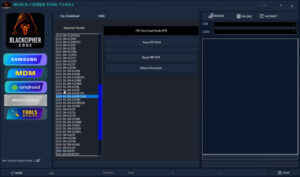
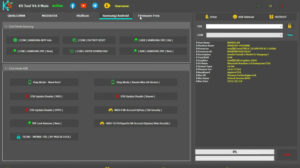
The new update for Block Cipher Tool v1.0.0.1 now supports numerous additional and the latest Samsung models. If you own a Samsung Android mobile device and are experiencing software-related issues, you can resolve all such problems with the help of the Block Cipher Tool.
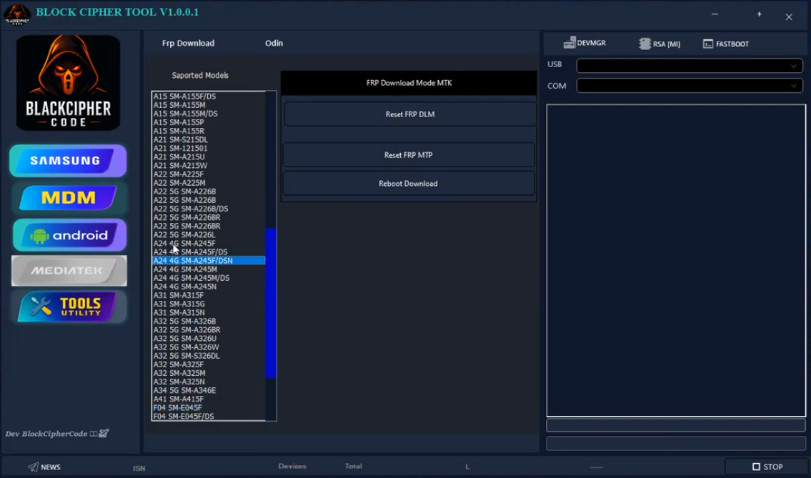
Block Cipher Tool
Version: v1.0.0.1
Size: 8MB
Extraction password: mobiletechfrp
Compatible: Windows
About Block Cipher Tool
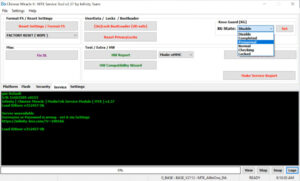
Block Cipher Tool is Windows-based software that can be installed on a Windows PC or laptop. Its primary function is to resolve software-related issues on Android devices. It can fix various problems—such as mobile flashing, FRP bypass, pattern/password resets, and many other software glitches—within a matter of minutes.
This tool is designed specifically for Samsung devices and is highly popular among users who specialize in repairing Android devices—particularly in settings such as mobile repair centers, where it is utilized extensively.
Key Features of Block Cipher Tool v1.0.0.1
Here, we will explore the key features of the Block Cipher Tool that make it a superior utility:
- Lightweight Software
- Simple User Interface
- Fast Processing Speed
- Multiple Device Compatibility
- Stable Performance
If you are a technician, having knowledge of tools like this is essential. Since the Block Cipher Tool features a simple interface, it will not take much time to understand and master.
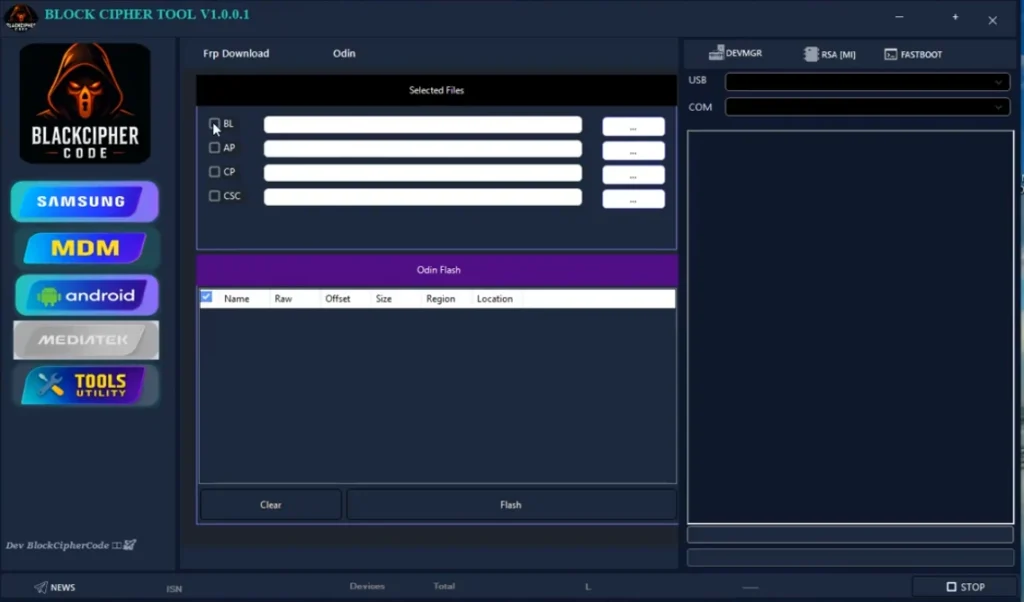
Block Cipher Tool System Requirements
To run this tool, your computer must meet certain basic requirements.
Minimum Requirements:
- Windows 7 / Windows 8 / Windows 10 / Windows 11
- 2GB RAM (4GB recommended)
- 200MB free storage
- USB drivers installed
- Stable USB connection
If your computer meets these requirements, you can run this tool with great ease.
Conclusion
In today’s world, Android smartphones are being used extensively. Consequently, software-related issues are frequently encountered. The latest version of the Block Cipher Tool (v1.0.0.1) resolves these software problems with remarkable ease. If you wish to fix issues on your own personal phone, you can certainly make use of this tool.


Post Comment