Android Service Tool
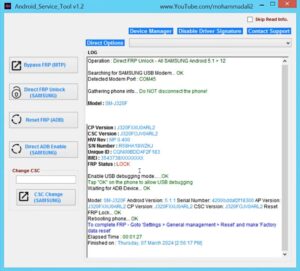
The Android Service Tool is one of the best tools available for fixing software-related issues on mobile phones. If your mobile device is experiencing any software problems—such as an FRP lock, a forgotten pattern or password requiring a reset, or if you need to perform firmware flashing—this tool will come to your aid. Android Service Tool v2 is the latest version of this software, and the download link is provided below.
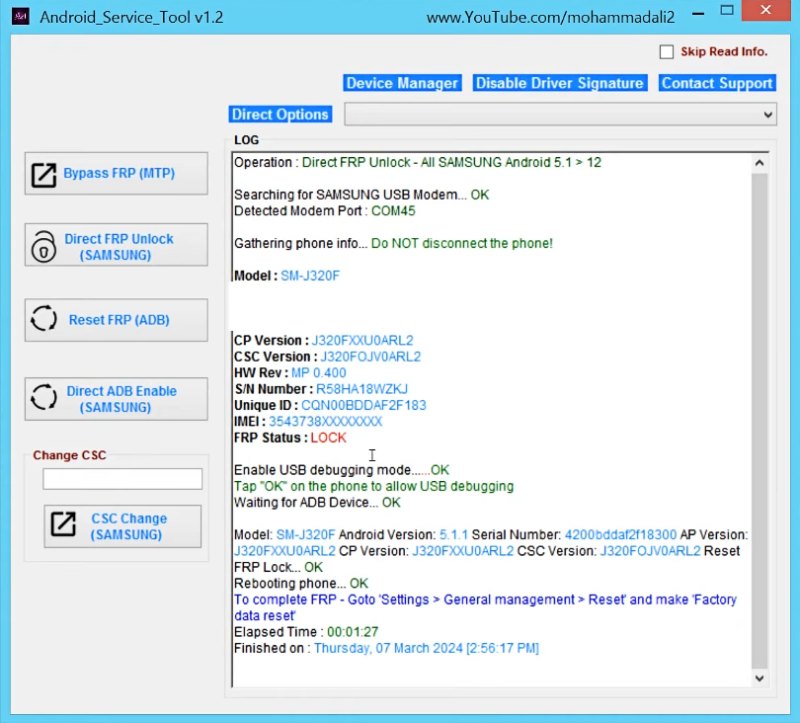
Android Service Tool
Version: v1.2, v2
Size: 27MB
Extraction password: Aj Mobile Repairing
Compatible: Windows
About the Android Service Tool
The Android Service Tool is a Windows-based software application. You can install it on your Windows PC or laptop to resolve software-related issues on your Android device. It is primarily utilized by mobile technicians, as they frequently encounter devices with complex software malfunctions. However, you can also use this tool to troubleshoot issues on your own personal phone. We have provided comprehensive details regarding the Android Service Tool right here.
When is the Android Service Tool Needed?
Here, we will explore the key features and capabilities of this tool—specifically, why users prefer it and which specific Android device issues it is capable of resolving:
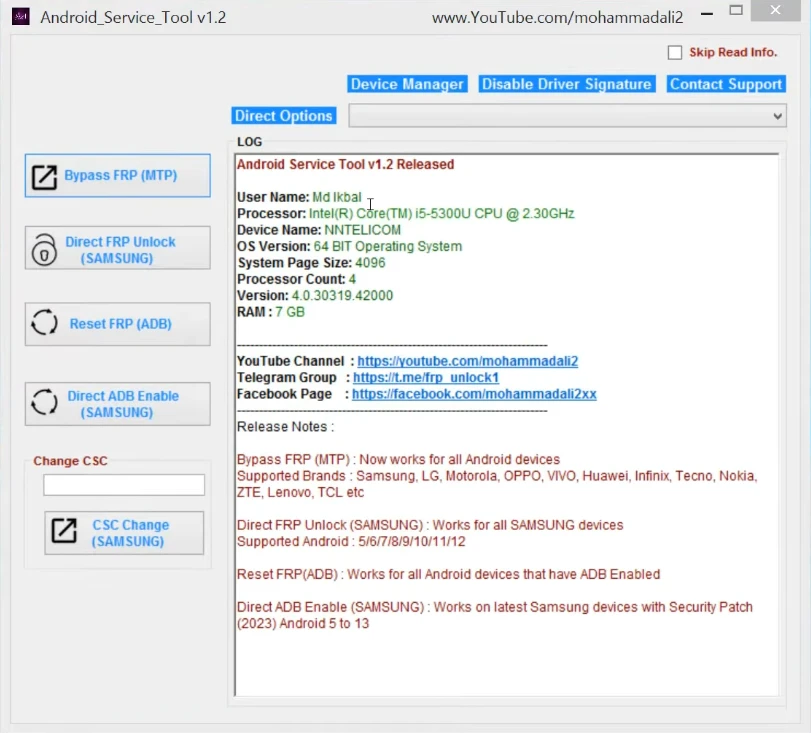
- Removing FRP locks
- Bypassing screen locks
- IMEI repair (in selected cases)
- Firmware flashing
- Repairing “dead” (unresponsive) phones
- Fixing boot-related issues
All of these problems can be resolved with great ease using the Android Service Tool.
Supported Mobile Brands
Broadly speaking, the Android Service Tool supports virtually all Android device brands. While there may be a few specific models that are not supported, the tool is capable of supporting approximately 80% of all Android devices currently in circulation. We have listed some of the most popular supported brands below:
- Samsung
- Xiaomi
- Oppo
- Vivo
- Realme
- Huawei
- Motorola
- Nokia
Processor Support List
Below, we have provided details regarding which processors are supported by the Android Service Tool.
- Qualcomm Processor Support
- MediaTek (MTK) Processor
- Exynos Processor
- SPD (Spreadtrum / Unisoc)
- Kirin Processor
Conclusion
We all know just how important mobile phones are in today’s world. Consequently, when a software issue arises in an Android device, the user often becomes quite frustrated. However, if the user wishes, they can resolve this problem on their own. The Android Service Tool v2 is an excellent utility; by installing it on a Windows system, one can effectively resolve issues affecting Android devices. This tool is completely free of charge, so feel free to use it without any hesitation.

Post Comment